Pogotowie3d logo 2026 )1
  • Home
  • About us
  • What we do
    • 3D building visualizations
    • 3D product visualizations
    • 3D furniture visualizations
    • Interactive 360 visualizations
    • Pricing
  • Portfolio
    • Portfolio at a glance
    • Portfolio for real estate developers
    • Portfolio by category
    • In a few moments — reels
  • Free
    • Free 360° generator
  • Blog
  • Contact
Call us
Pogotowie3d logo 2026 )1
  • Home
  • About us
  • What we do
    • 3D building visualizations
    • 3D product visualizations
    • 3D furniture visualizations
    • Interactive 360 visualizations
    • Pricing
  • Portfolio
    • Portfolio at a glance
    • Portfolio for real estate developers
    • Portfolio by category
    • In a few moments — reels
  • Free
    • Free 360° generator
  • Blog
  • Contact
Computer for a 3D artist graphics workstation
News from the 3D world, advice, tips, debugging and tutorials

Which computer should you choose for 3D graphics?

2024-12-30 /Posted byadmin

Over the last +20 years, we have worked with a dozen or so generations of computers, workstations and render stations. We will try to suggest what to consider when choosing a computer for 3D graphics. We have used dedicated 3D graphics workstations from companies such as HP and Dell, as well as our own tailored builds. In recent years, we have used both. 

Which software do you use or plan to use?

First, we must specify which software the computer will run. Some 3D applications have particular processor, RAM or graphics card requirements. These should inform later choices. 


A versatile computer for 3D graphics: what features should it have?

Memory, memory, memory

Graphics applications need large amounts of memory and access it frequently. Choose plenty of RAM and graphics memory. When choosing between faster memory and greater capacity, capacity is usually better. Of course, stay reasonable and consider the programs you will use and their potential memory needs. If your scenes allocate up to 64Gb of RAM, do not buy 128Gb; prioritise speed and timings instead. Graphics card memory is equally important. 

Balance

The processor, RAM and graphics card should be matched to use their capabilities fully. Investing in an expensive graphics card makes little sense if the bottleneck is the processor, a poor motherboard or insufficient memory. 

Power supply

This is one of the computer's most important aspects. Stable operation is impossible without stable power. Buy a high-quality power supply from a reputable brand, preferably with capacity above the components' planned consumption. For example, if maximum consumption is estimated at 600W, aim for an 850W supply or larger. Efficiency matters because graphics computers usually operate under heavy loads. A suitable power supply saves frustration and additional costs.

Fast drives 

Current 3D scenes are usually very large, and even automatic compression changes little. Get a project drive, preferably the fastest possible SSD, ideally using PCIe. A separate drive for backups and project archives is worthwhile. 

Quadro or RTX?

It depends. In applications such as 3D Studio Max, RTX cards perform very well in everyday work and rendering. For CAD, consider Quadro. Quadro offers advantages in GPU memory capacity and power consumption, particularly important for rendering. Nvidia Quadro drivers are usually better refined, although not always. Check card and driver compatibility with the current 3D software version. 

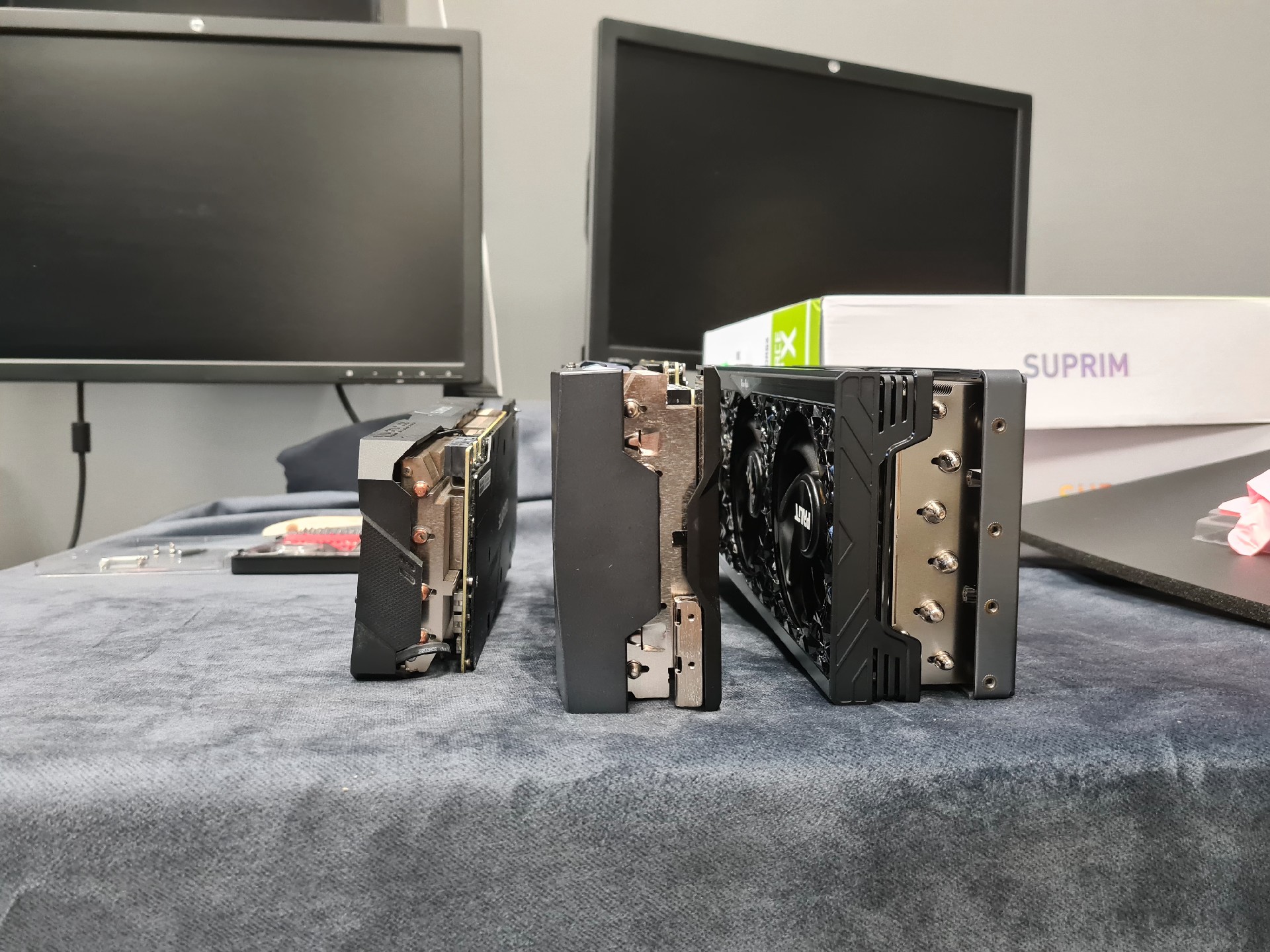
Side view of dimensions rtx2080ti rtx3080 rtx4090
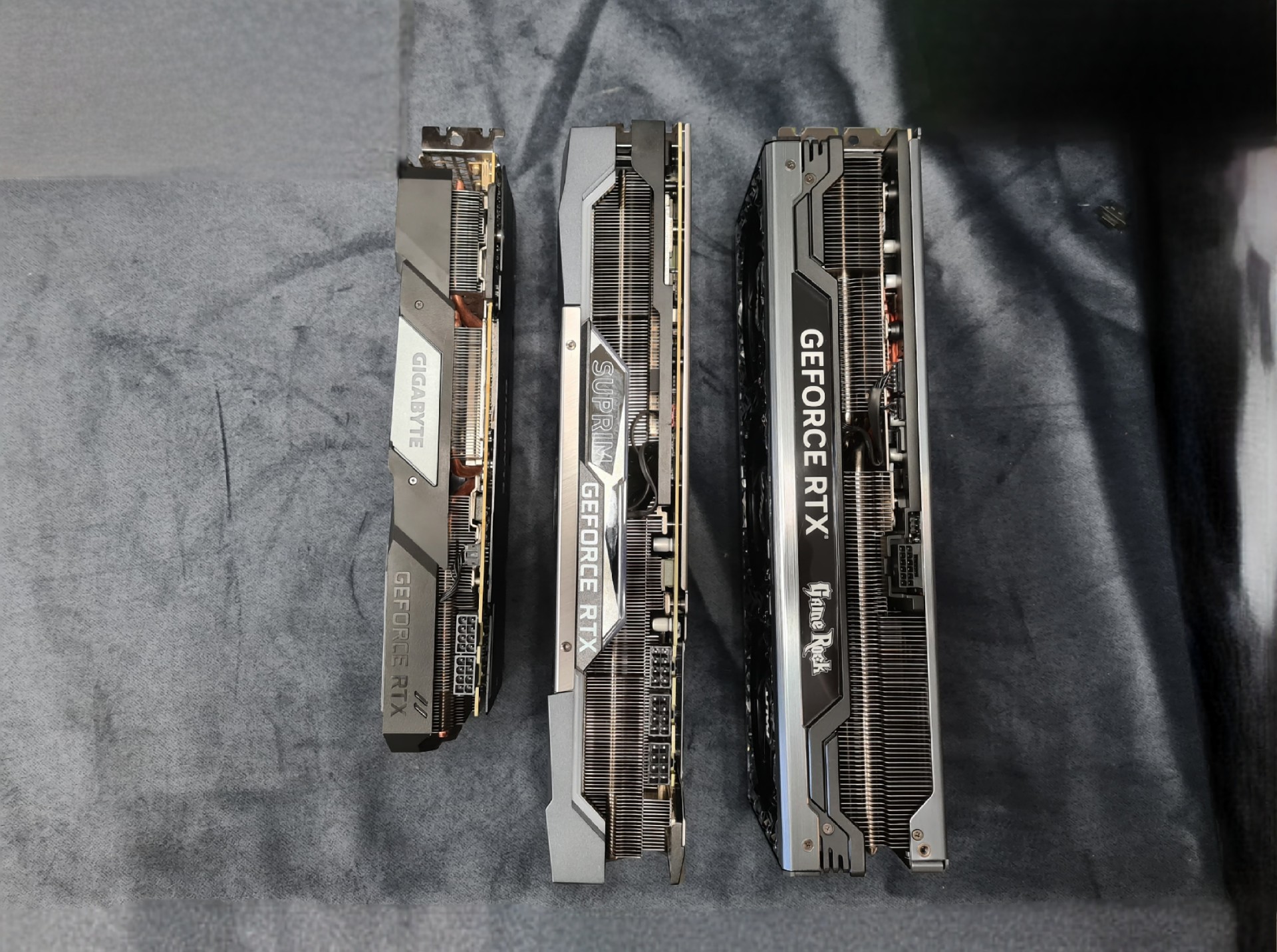
Size comparison rtx2080ti rtx3080 rtx4090


Efficient cooling

Alongside the power supply, cooling is one of the most important factors in system stability. Overspecify the cooling and provide a case with excellent ventilation. Our advice: fans at the top of the case for chimney-style airflow. Cooling techniques vary and have been discussed extensively. In our experience, drawing cool air from below and exhausting it through the top works best. If building your own system, choose a case supporting this. Use large fans, at least 12cm. Larger fans mean lower speeds and less noise. Our favourites are be quiet! Silent Wings 4 120mm and 140mm. 

I lack technical knowledge and want a ready-made system

In that case, apply the above advice when choosing a ready-made computer. We do not intend to advertise anyone, but can share where we buy equipment and who advised us. Our longest hardware partnership is with Procad. They provide highly professional advice and the opportunity to test equipment.
That last point is very important: we have avoided genuinely poor choices several times. Once, we almost bought 24-inch 4K monitors that were unsuitable for our work, with resolution our software did not properly support at the time. Another time, we would have bought oversized 32-inch monitors, and on another occasion, the wrong laptop for rendering preview frames at a client's premises without mains power. The most powerful laptop rendered very quickly but used its battery so fast that it could render only 2 full-resolution frames per charge. We chose a less powerful machine that rendered 4,5 frames on one battery. An unexpected choice. Faster, more expensive equipment will not always meet your needs properly. Testing is worthwhile. Procad organises the annual Procad Expo, where current hardware and expert advisers are always available. 

AI in a computer for 3D graphics

AI's rapid development and use in 3D applications suggest hardware AI support will become increasingly important. Nvidia already offers it, particularly in Quadro cards, and Intel is entering this field this year with Core Ultra processors. For now, 3D programs do not use these capabilities extensively enough to determine hardware choices. That may change next year, when we will update the features above for a 3D artist's computer 😉

We have also written about controllers and AI. Read on:

  • Is a 3D controller essential for work?
  • Will 3D images replace 3D artists?

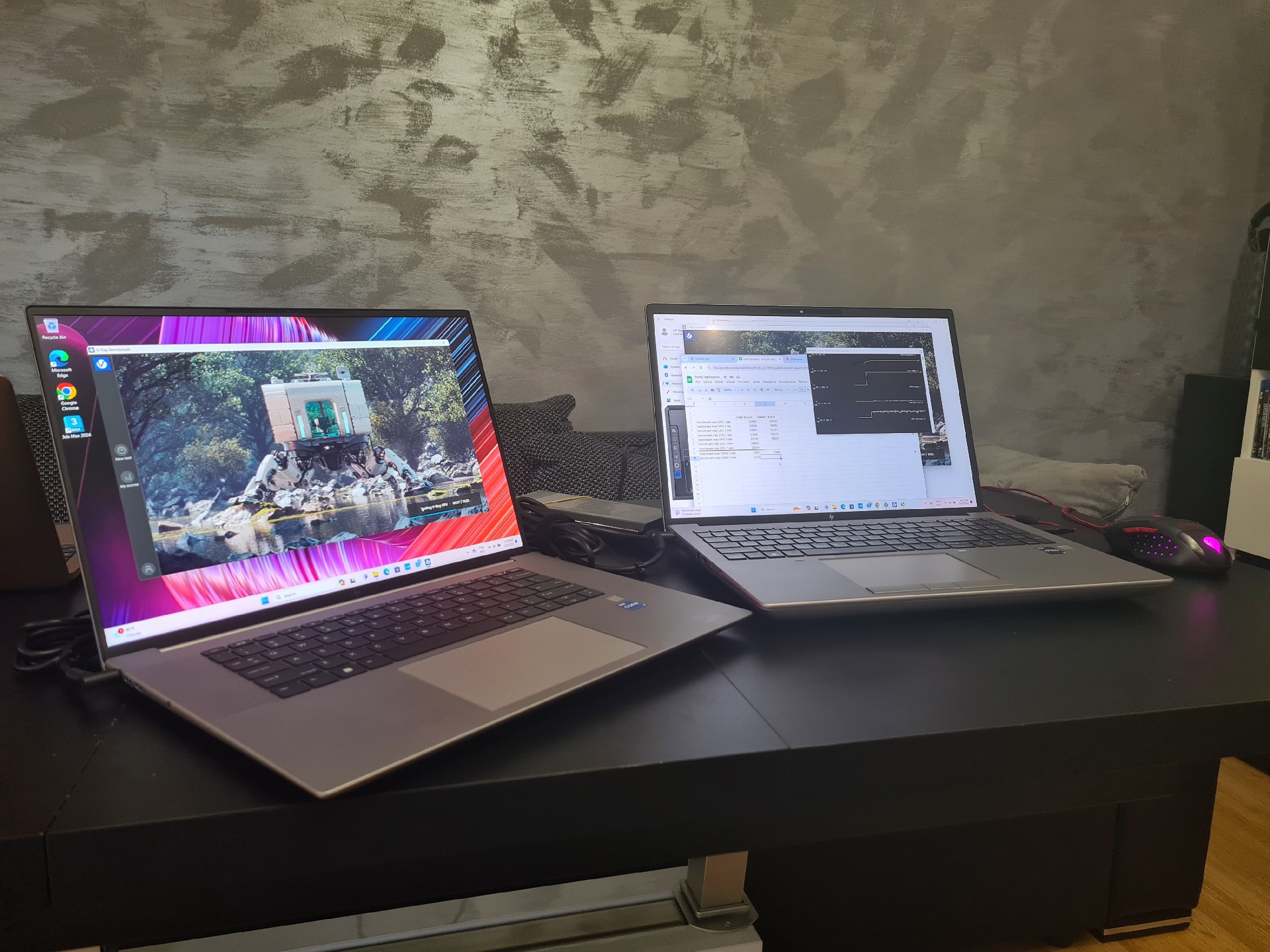
Comparison HP Fury HP Studio Quadro rtx4060


Share Post
  • Twitter
  • Facebook
  • VK
  • Pinterest
  • Mail to friend
  • Linkedin
  • Whatsapp
  • Skype
Will AI images replace 3D arti...
Will artificial intelligence replace 3D artists
Highland-style building visualization
What are computer graphics?

Related posts

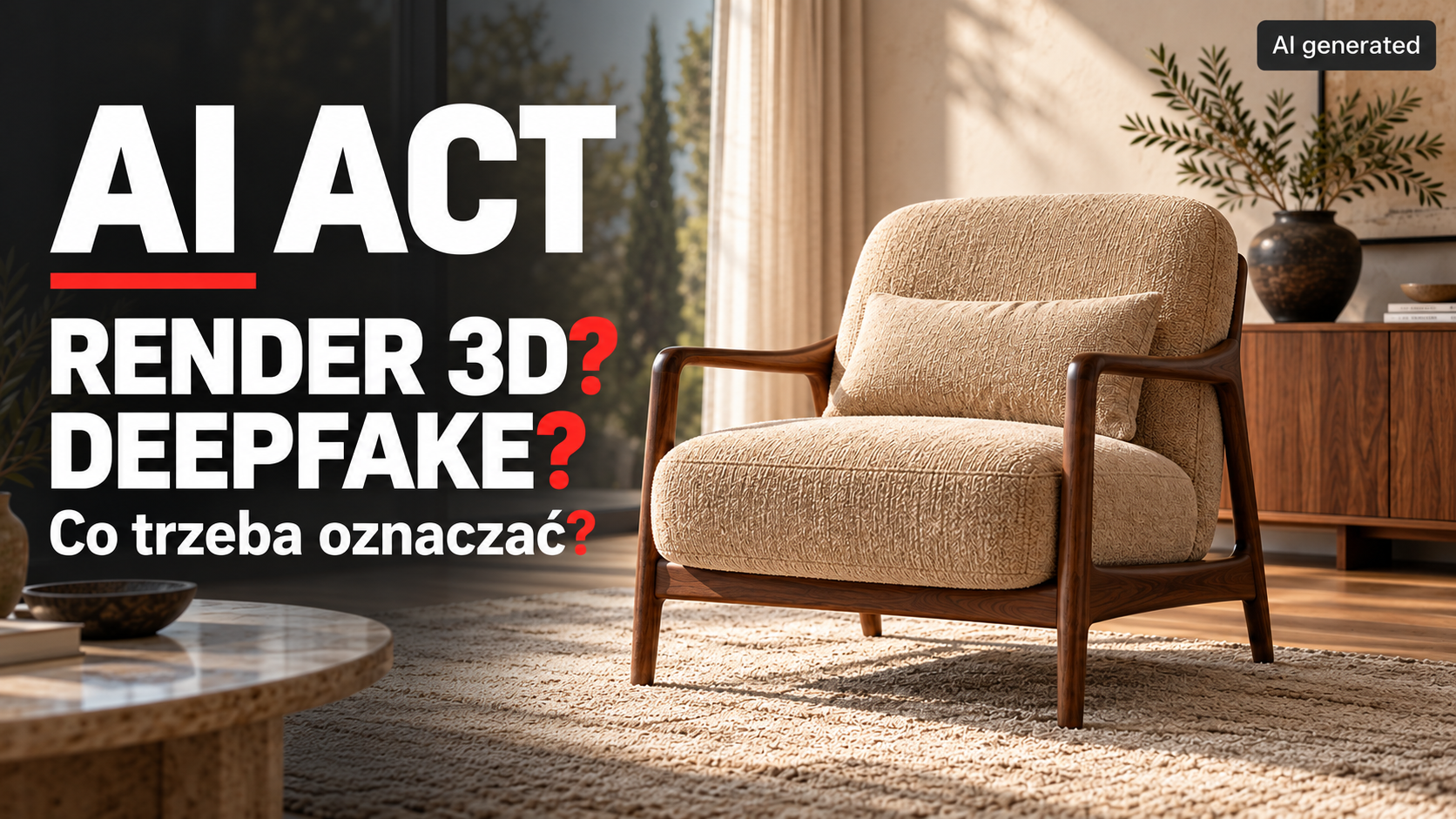
AI Act: 3D render or deepfake? What needs labeling? An armchair in an interior setting with an AI generated label
News from the 3D world, advice, tips, debugging and tutorials
Read more

The AI Act and 3D visualizations: do renders need an AI label?

2026-10-11
A 3D render created without AI does not require an AI content label under Article 50. We explain when AI use changes the situation, which... Continue reading
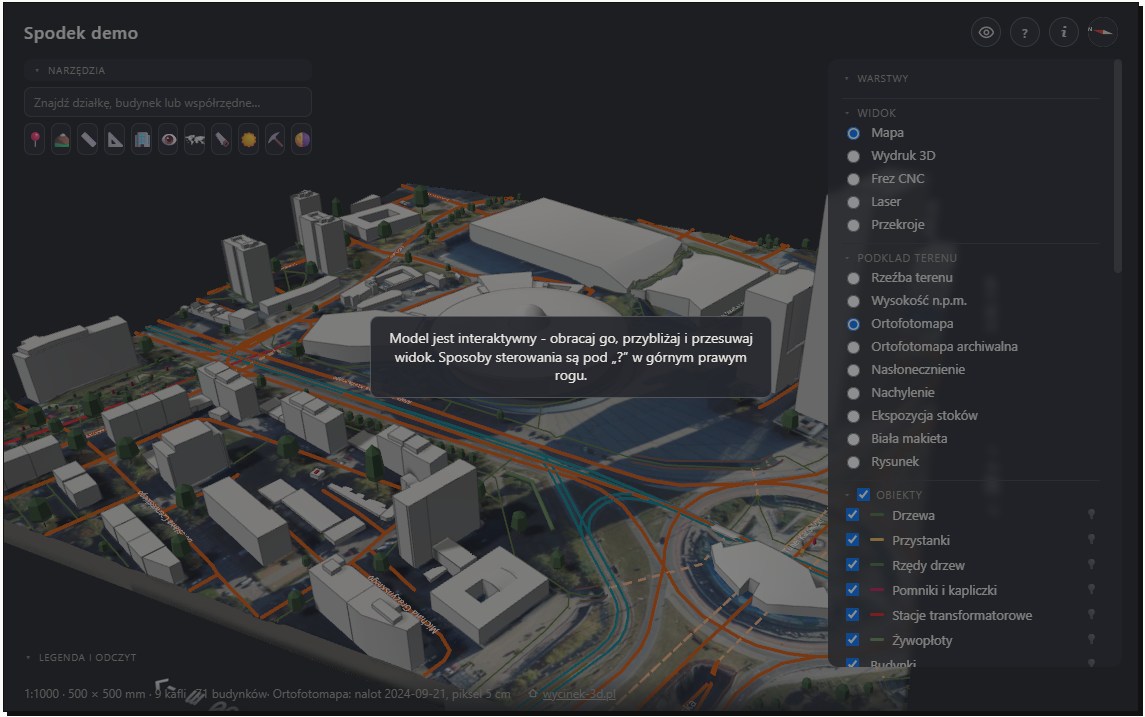
Wycinek 3D — a terrain and surroundings model for architectural visualizations
Building and interior visualizations
Read more

Wycinek 3D — a Polish tool for creating surroundings for architectural visualizations

2026-10-01
Wycinek 3D is a Polish service for preparing terrain, existing buildings and development surroundings from real spatial data. We show where this solution can speed... Continue reading
3d house visualization autumn 01
News from the 3D world, advice, tips, debugging and tutorials
Read more

3D visualization or an AI image? When consistency with the design matters

2026-09-21
3D visualization or an AI image? We explain why design consistency, consistent views and model control matter in sales materials. Continue reading
3D scanner for an artist
News from the 3D world, advice, tips, debugging and tutorials
Read more

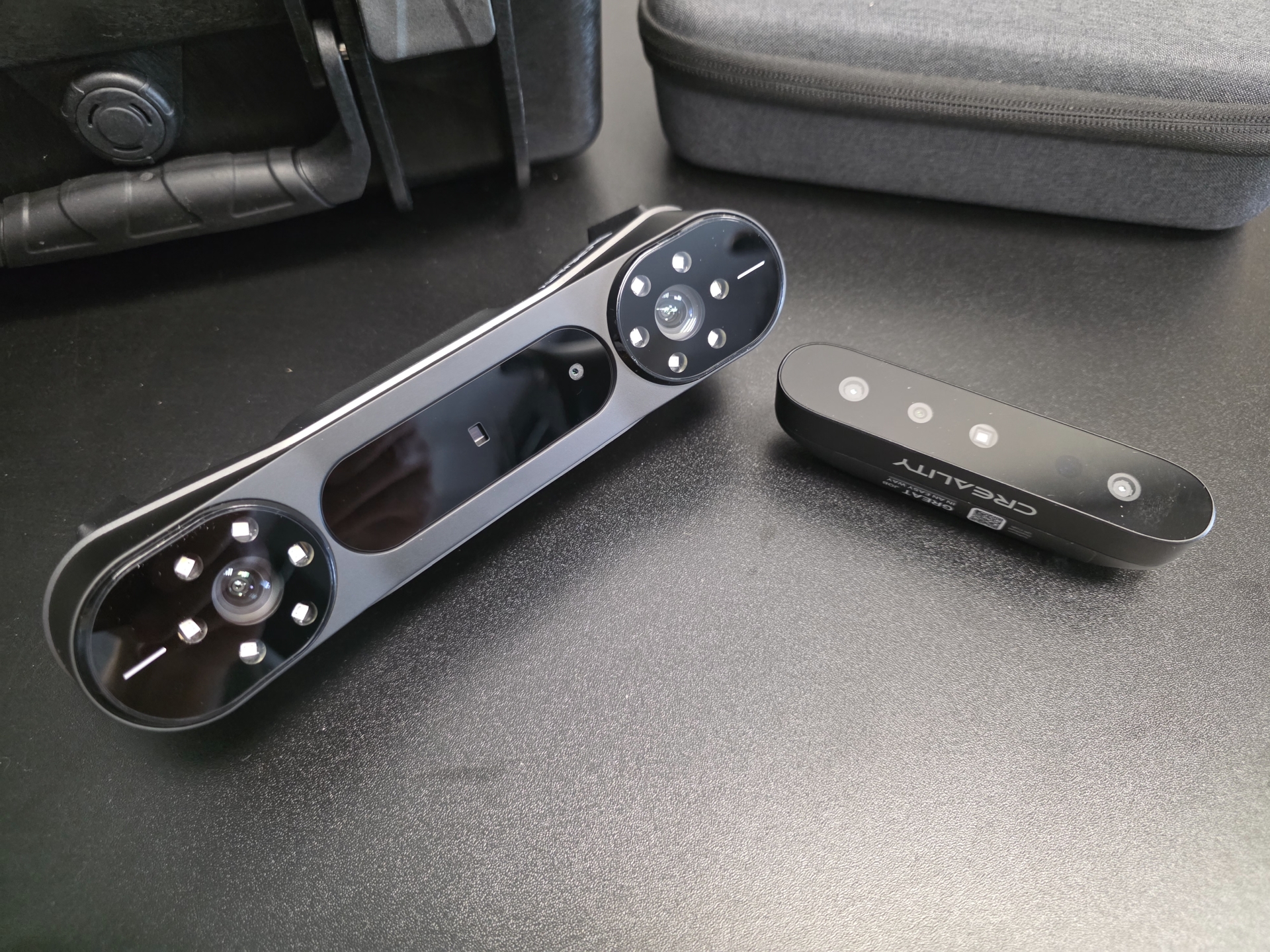
Which 3D scanner should you buy in 2026? For an artist and a 3D graphics studio. For visualization and 3D printing.

2026-08-08
Continue reading
The Witcher 4 Unreal 5 demo
News from the 3D world, advice, tips, debugging and tutorials
Read more

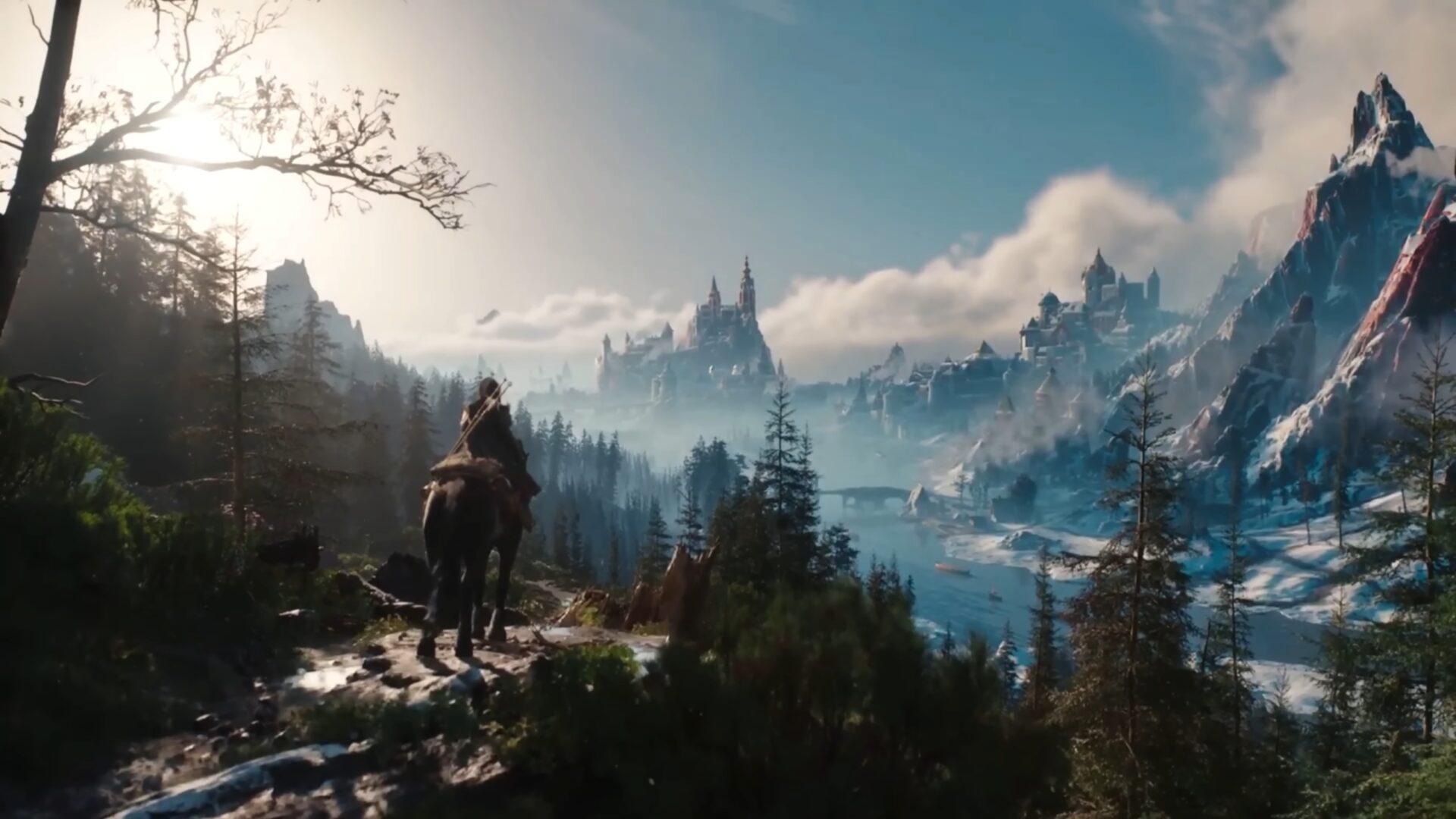
The Witcher 4: a technology demo on Unreal Engine 5 (State of Unreal 2025)

2025-06-10
Continue reading

Comments are closed

Recent posts

  • 3D and AI upholstered furniture visualizations. A corner sofa in an interior scene and in motion
  • 3D packaging visualizations. A new label on an existing product
  • 3D window and door cross-sections. From manufacturer drawings to a finished presentation
  • The AI Act and 3D visualizations: do renders need an AI label?
  • 3D equipment visualizations for manufacturers. From model to sales materials
Pogotowie3d logo 2026 )1
  • Menu

    • About us

    • What we do

    • Portfolio at a glance

      New
    • Portfolio for real estate developers

    • Blog

    • Contact

  • Popular

    • Architectural visualizations

      New
    • Pricing

      New
    • Product visualizations

    • Furniture visualizations

  • Other

    • Privacy policy

    • Cookie policy

    • Taxe online accounting

    • Krysztaly.pl shop

    • Zdzislowicz websites

Our address

ul. Trzebińska 56/15
32-500 Chrzanów

783 783 360

biuro@pogotowie3d.pl

Facebook Instagram Pinterest Whatsapp Email Youtube
© 2008– Pogotowie 3D. All Rights Reserved.
Manage consent
Aby zapewnić jak najlepsze wrażenia, korzystamy z technologii, takich jak pliki cookie, do przechowywania i/lub uzyskiwania dostępu do informacji o urządzeniu. Zgoda na te technologie pozwoli nam przetwarzać dane, takie jak zachowanie podczas przeglądania lub unikalne identyfikatory na tej stronie. Brak wyrażenia zgody lub wycofanie zgody może niekorzystnie wpłynąć na niektóre cechy i funkcje.
Funkcjonalne Always active
Przechowywanie lub dostęp do danych technicznych jest ściśle konieczny do uzasadnionego celu umożliwienia korzystania z konkretnej usługi wyraźnie żądanej przez subskrybenta lub użytkownika, lub wyłącznie w celu przeprowadzenia transmisji komunikatu przez sieć łączności elektronicznej.
Preferencje
Przechowywanie lub dostęp techniczny jest niezbędny do uzasadnionego celu przechowywania preferencji, o które nie prosi subskrybent lub użytkownik.
Statystyka
Przechowywanie techniczne lub dostęp, który jest używany wyłącznie do celów statystycznych. Przechowywanie techniczne lub dostęp, który jest używany wyłącznie do anonimowych celów statystycznych. Bez wezwania do sądu, dobrowolnego podporządkowania się dostawcy usług internetowych lub dodatkowych zapisów od strony trzeciej, informacje przechowywane lub pobierane wyłącznie w tym celu zwykle nie mogą być wykorzystywane do identyfikacji użytkownika.
Marketing
Przechowywanie lub dostęp techniczny jest wymagany do tworzenia profili użytkowników w celu wysyłania reklam lub śledzenia użytkownika na stronie internetowej lub na kilku stronach internetowych w podobnych celach marketingowych.
  • Manage options
  • Manage services
  • Manage {vendor_count} vendors
  • Read more about these purposes
Zobacz preferencje
  • {title}
  • {title}
  • {title}