An equipment launch does not have to wait for a photo shoot of the finished unit. A 3D model allows consistent product views to be prepared and how to show them in catalogs, on websites and in campaigns to be planned.
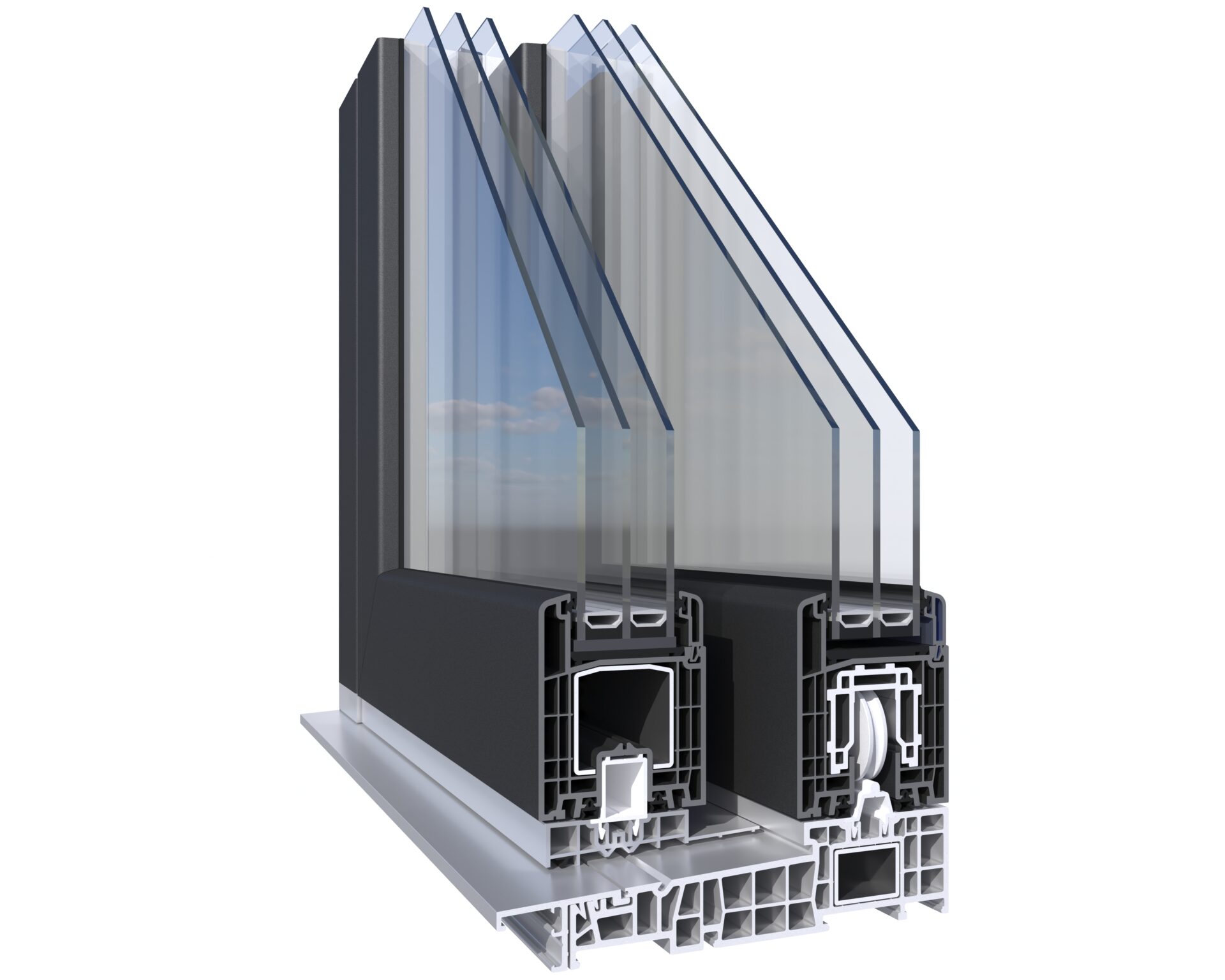
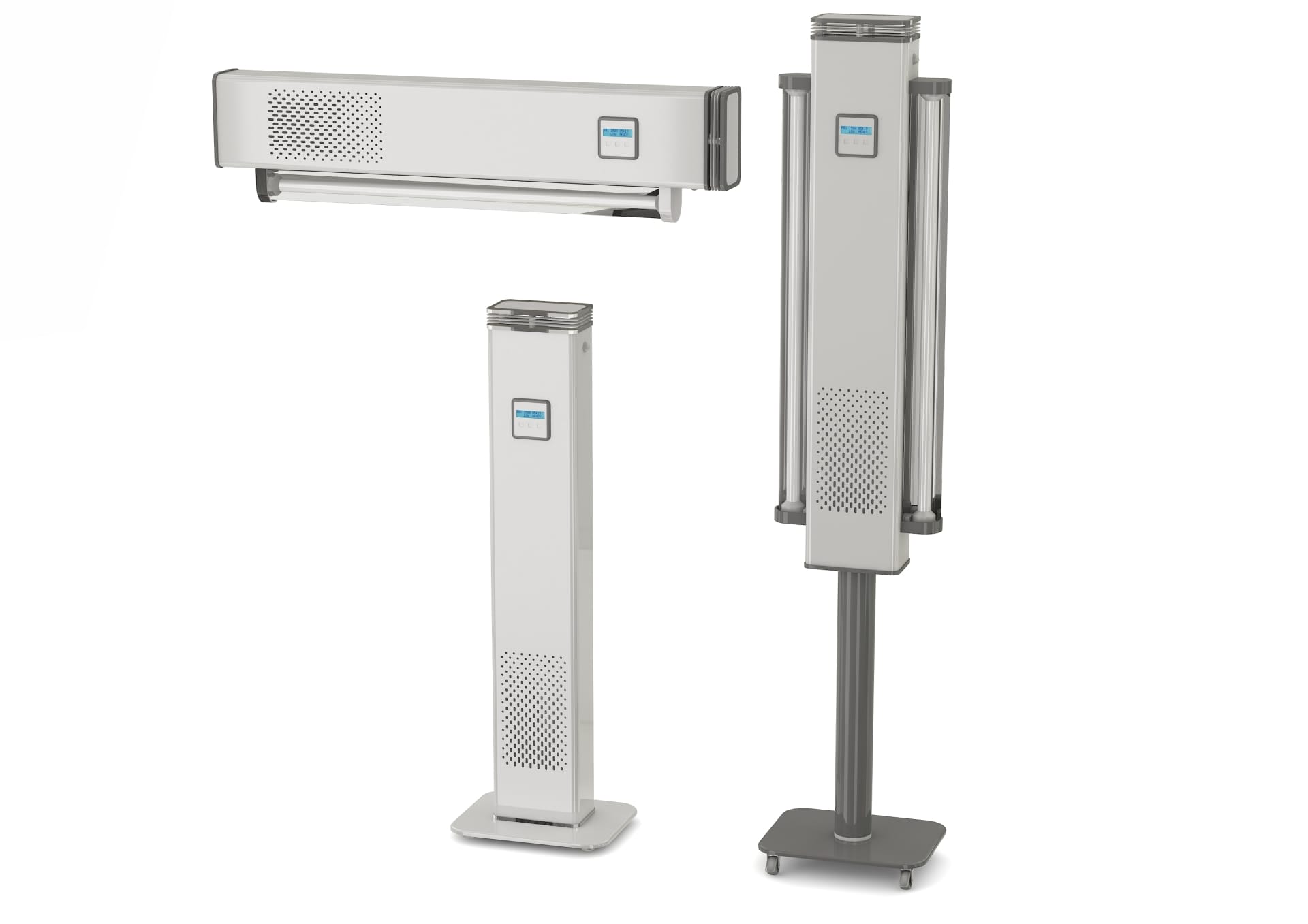
An equipment manufacturer needs materials that show the product from different sides and consistently with its design. In 3D, we can prepare a clean view against a neutral background, a close-up of selected details and a setting showing the equipment in its intended surroundings. Each view can suit a different part of the offer: a product page, catalog, website or sales presentation.
In product visualizations for manufacturers , we work with client-supplied materials. These may include technical drawings, sketches, prototype photographs or documentation. We create a model from these materials and can then show it in agreed colors, with appropriate details and from different perspectives.
Which views are useful when presenting equipment?
We usually start with a main view that clearly shows the product's form. It is worth adding another side view and close-ups of elements the manufacturer particularly wants to highlight. For equipment with several versions, a repeatable view layout can be prepared for the entire product family. Customers can then compare models more easily while the brand retains a uniform visual style.

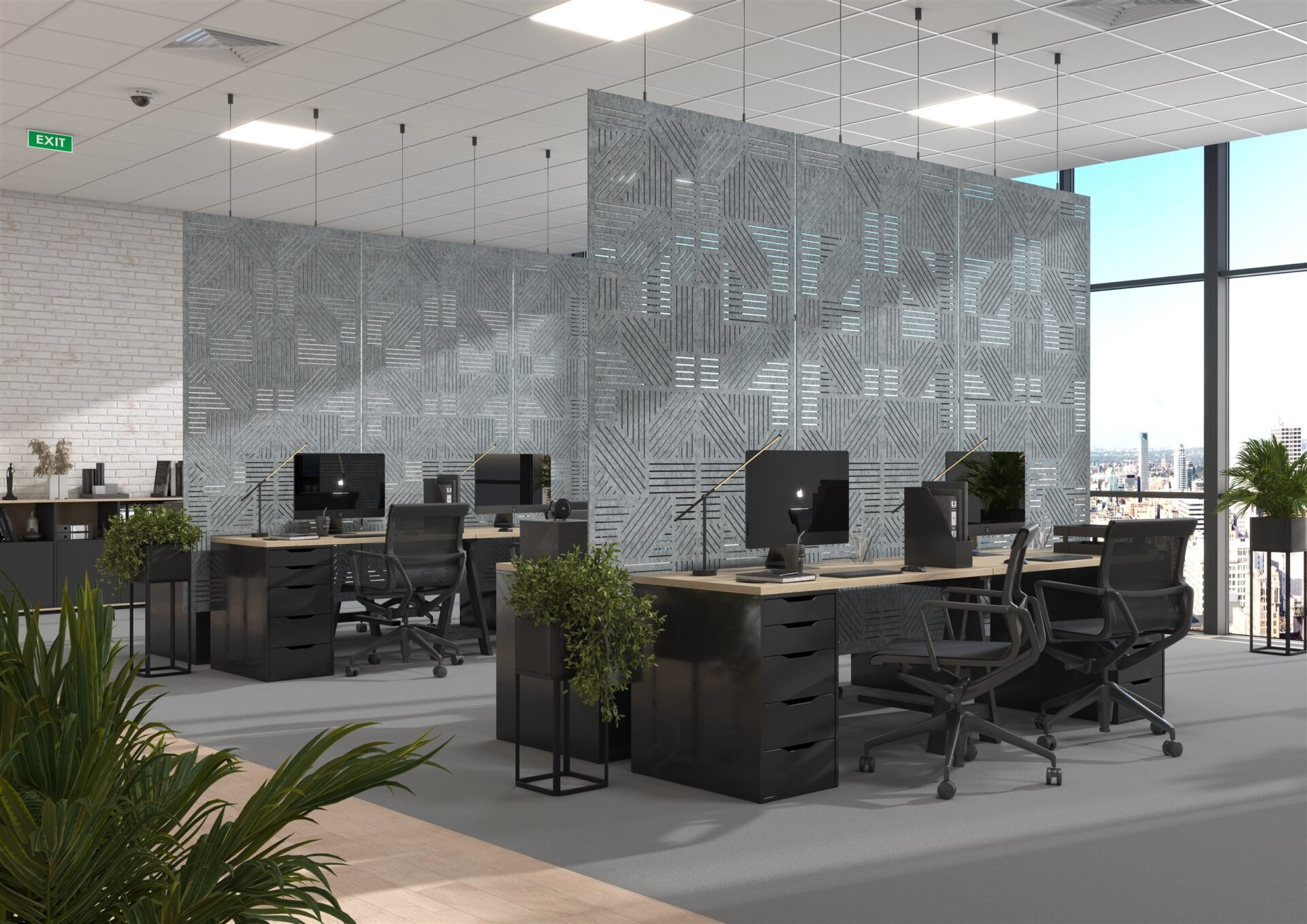
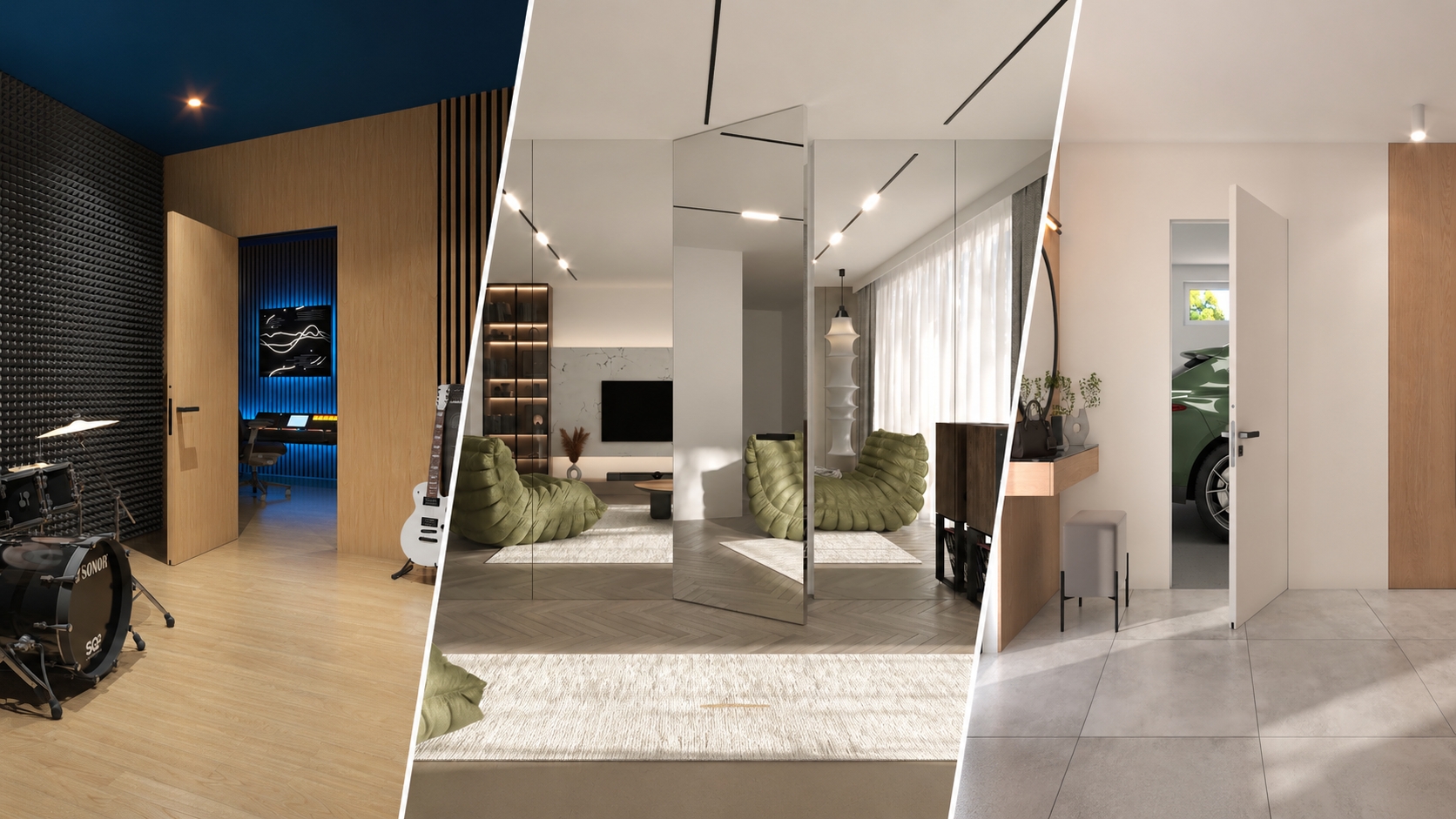
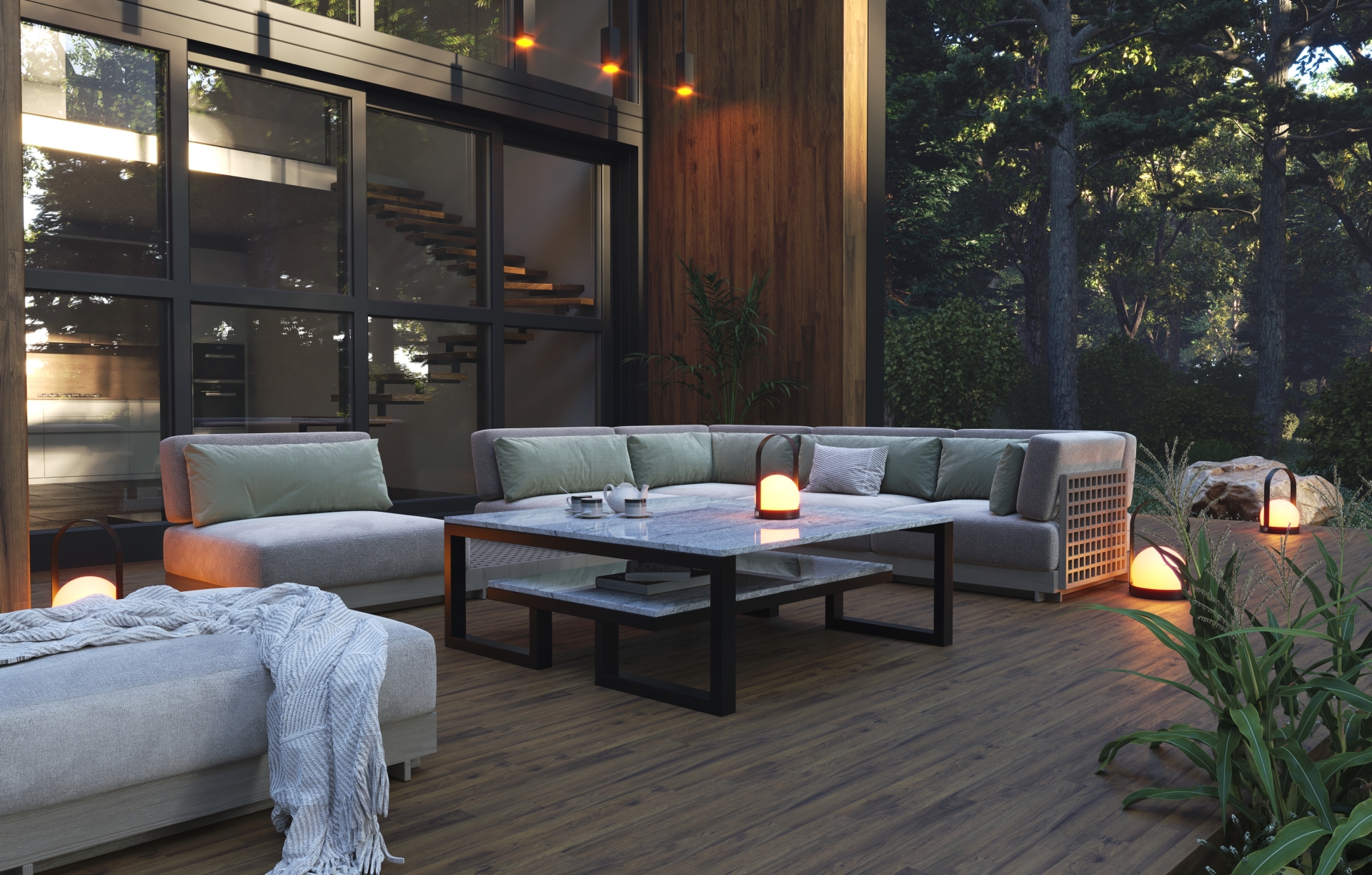
An interior setting is not the only option. A packshot on a light background works where viewers need to focus quickly on shape and finish. An interior scene can show how the equipment fits into a residential or commercial space. These two image types complement each other well in catalogs and online stores.
One model, many uses
A finished 3D model can be used to prepare images with different proportions and resolutions. One view may go on the product page, another in a catalog and another on social media. Large-format print files can also be prepared if required. We agree on the scope at the start to plan the required views and framing.
Visualizations also help maintain consistency when product photographs are taken at different times or the range includes many similar devices. Lighting, background and composition can be planned as a shared system for the whole series. When a product variant changes, the scope of the update depends on those changes and the manufacturer's materials.
Before starting the project, prepare: documentation or sketches, reference photographs, color and material information and a list of planned views. If you do not yet have a finished unit, we can discuss working from available drawings and design materials.
From documentation to finished views
Cooperation involves agreeing the scope, preparing the model and selecting views, then refining renders according to the manufacturer's feedback. The results can be used in promotional and sales materials. We have collected other project examples in the product visualizations.
If you are preparing an equipment launch or want to organize images for an existing range, explore our 3D product visualization services. Tell us which product you want to show and what the views will be used for, and we will help select the scope.
Preparing materials for new equipment?
Send documentation and describe the images' intended use. See how we work on product visualizations.