(This is not a sponsored article : we present only subjective observations based on years of experience with different tools. )
Working in 3D Studio Max: with or without a controller?
Is a controller necessary in 3D Studio Max, for example when creating product visualization or architectural visualizations? The answer is, of course… no. A keyboard, a mouse, preferably with several buttons, and knowledge of shortcuts are entirely sufficient, particularly when starting to learn.
However, our experience shows a 3D controller can speed up and simplify work. Beginners may not need to invest, mainly because of price and the time required to learn and become accustomed to it. Consider buying one later when working in 3D becomes more intensive.
Our experience with 3DConnexion controllers
In Pogotowie 3D we use controllers from 3DConnexion, which we consider among the best available. To be fair, they also have little significant competition. Below are our experiences with models we currently use and that are available to buy:
- SpaceMouse Compact or Wireless : Our favourite for people wanting just the controller without extra functions. Compact and reliable, it is ideal for everyday work. Its small footprint makes arranging a controller, keyboard and mouse easy.
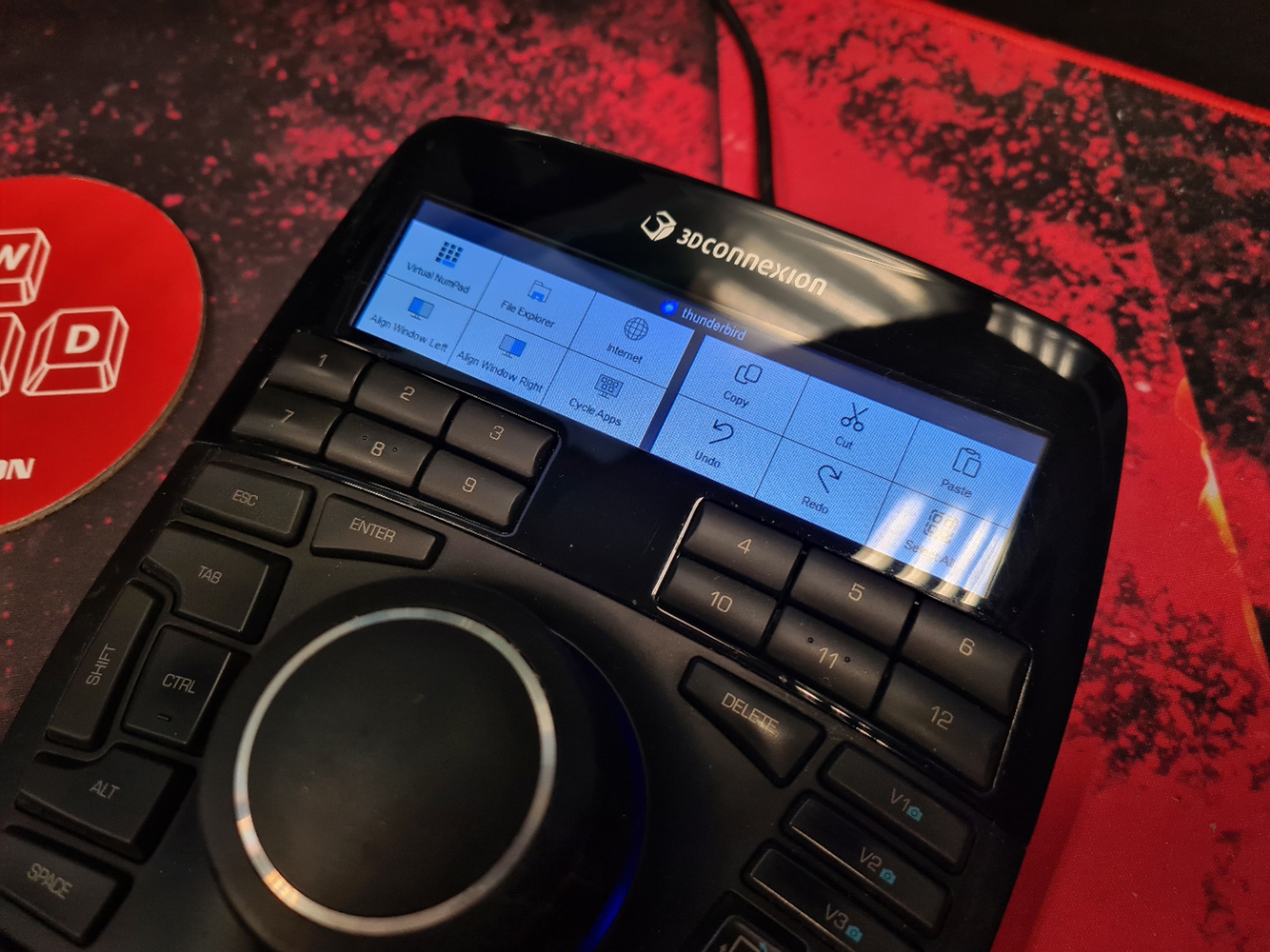
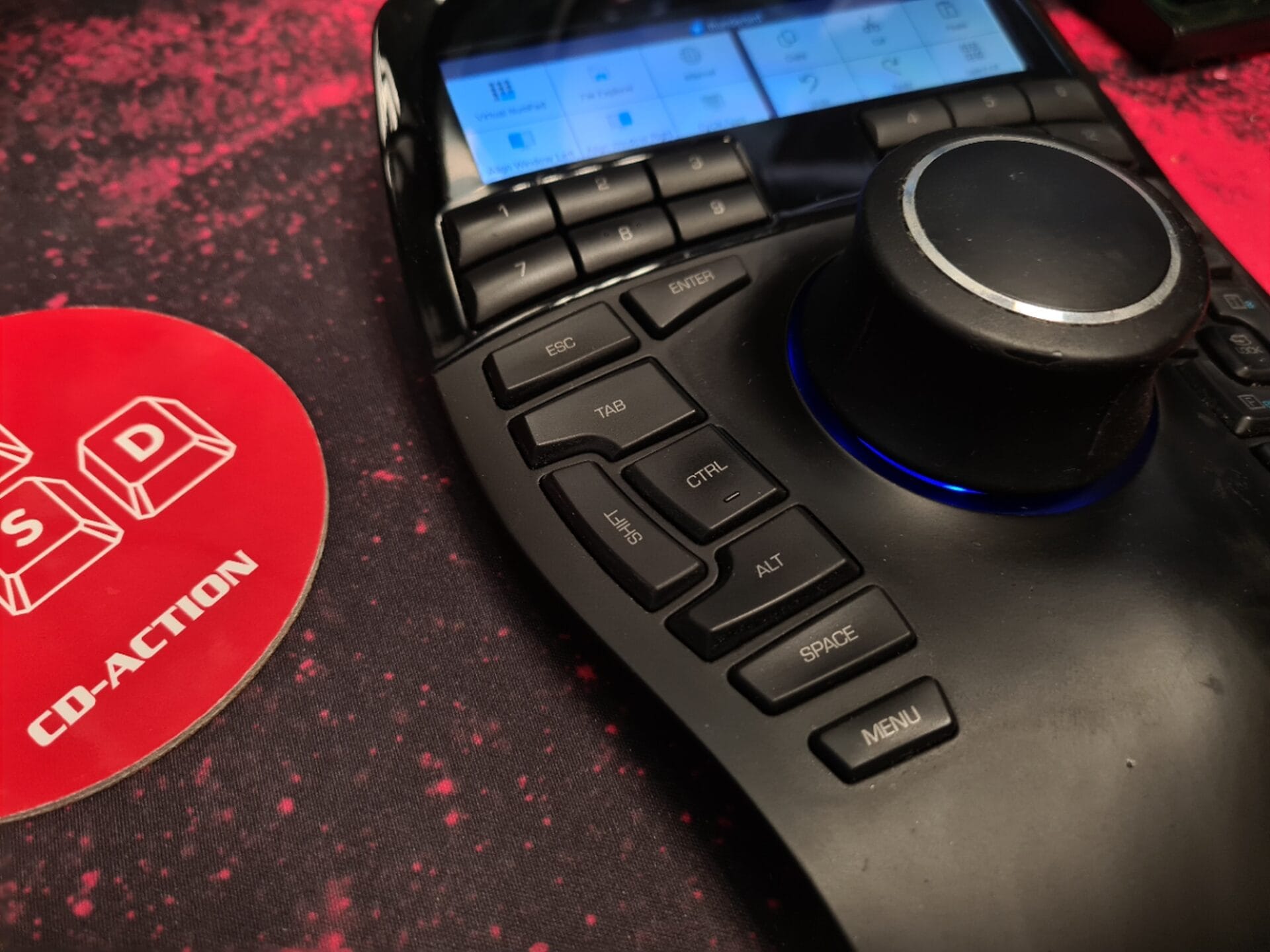
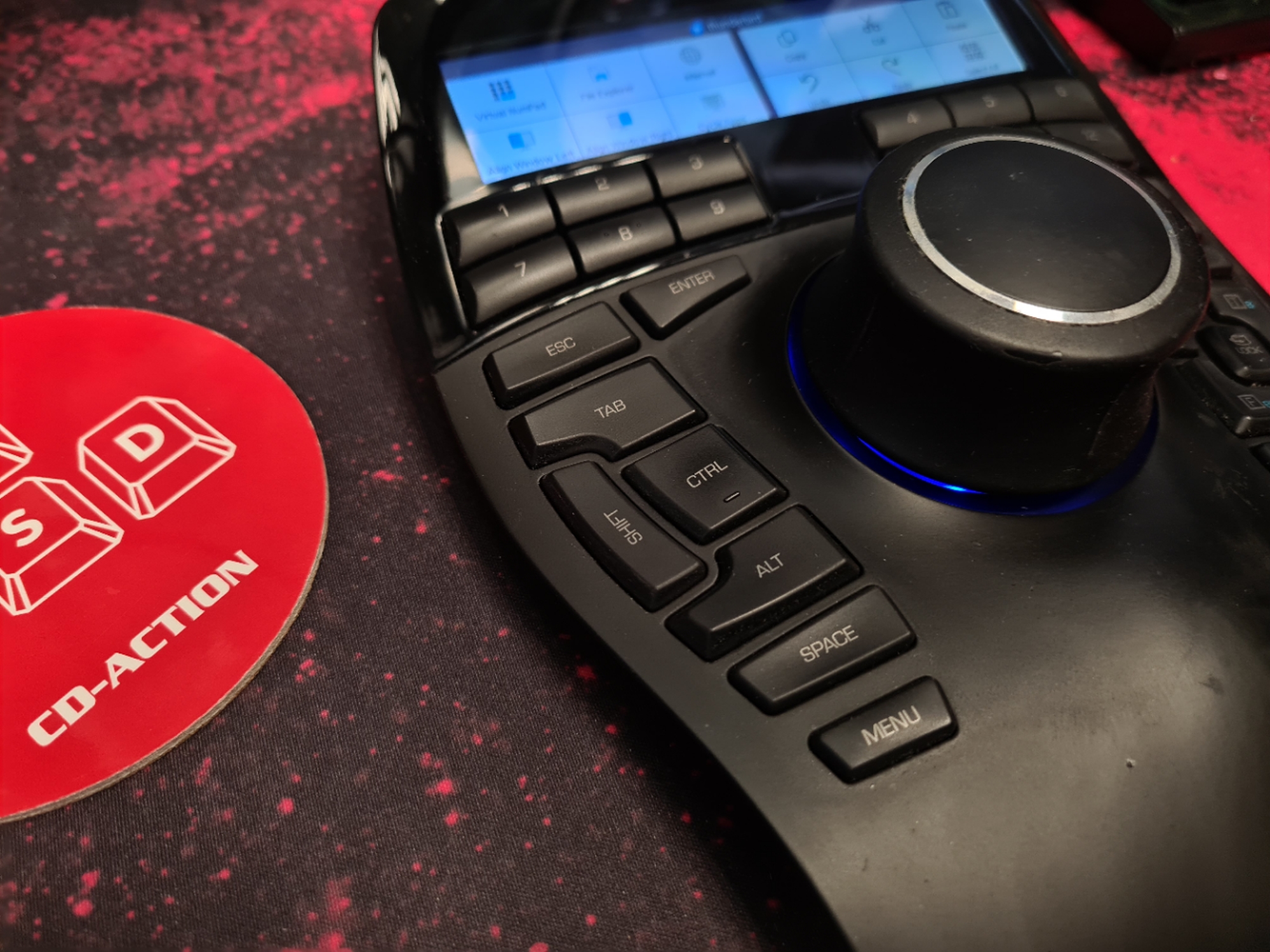
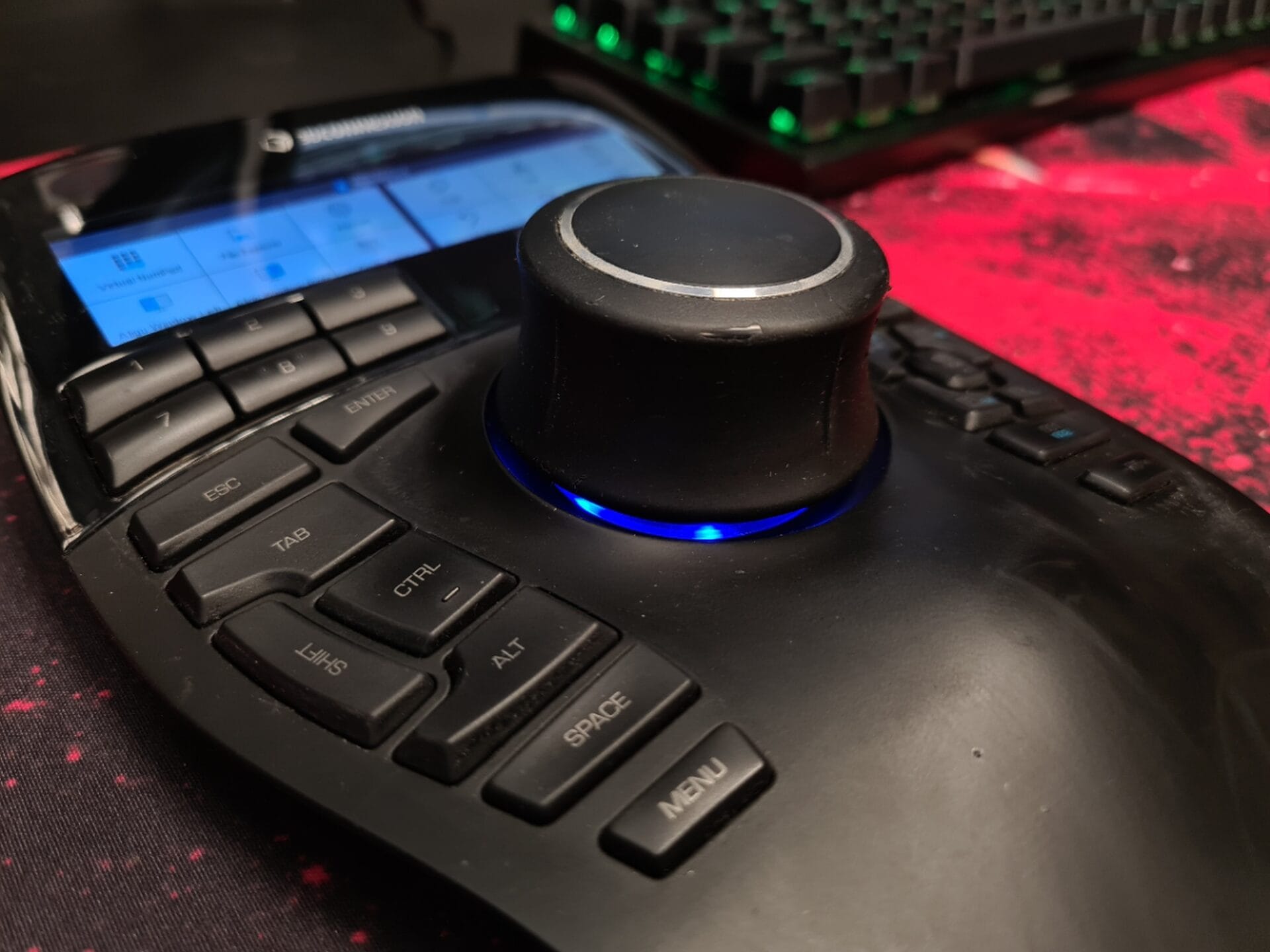
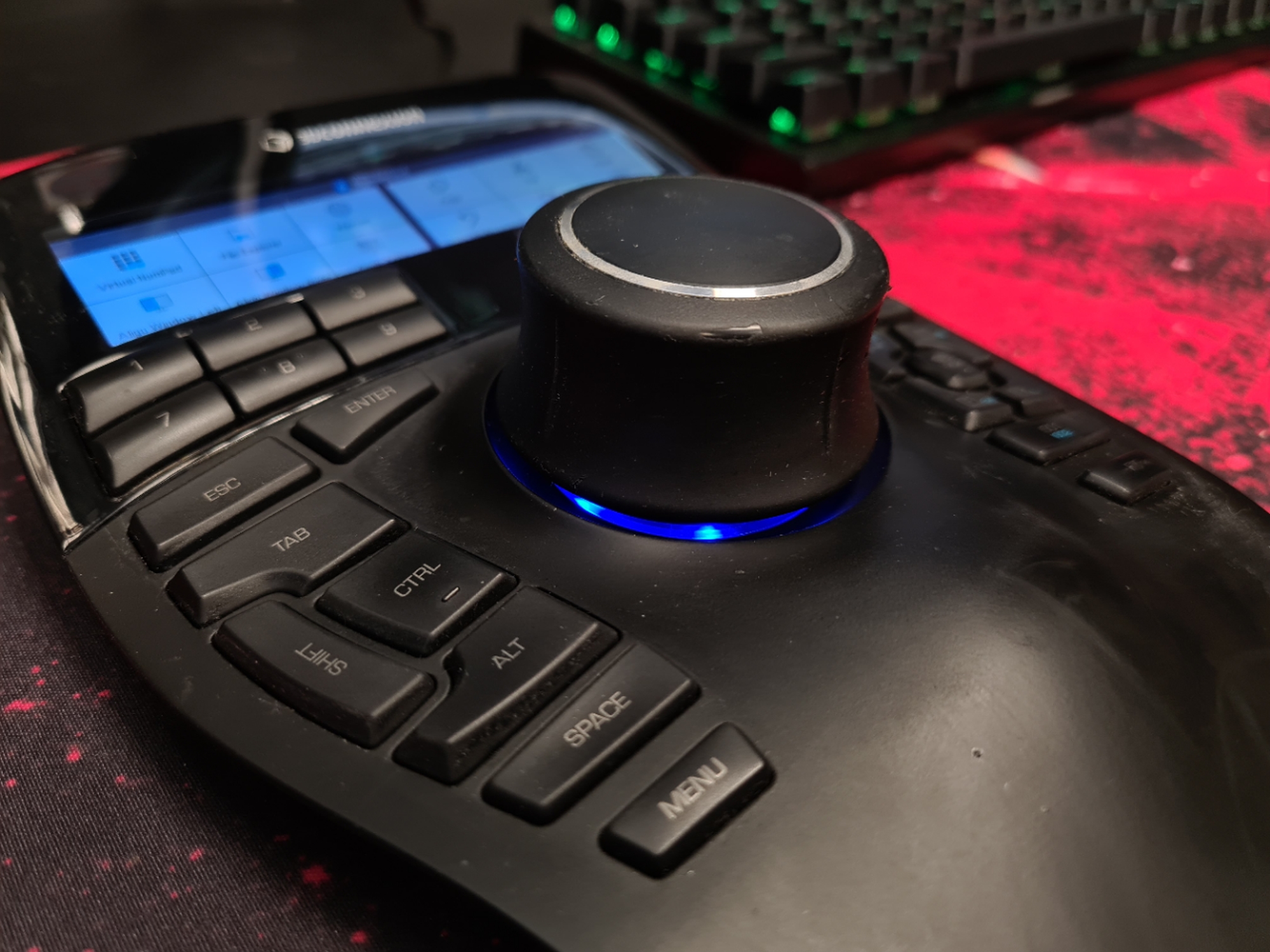
- SpaceMouse Enterprise : The advanced model we use most often daily. It includes the controller, many keys and a helpful screen displaying the current functions of the top row of programmable buttons. Very ergonomic, but it takes up space. We usually pair it with the narrowest possible keyboard without a numeric keypad.
The history and evolution of 3Dconnexion products
3Dconnexion specialises in advanced devices supporting work in 3D environments. Founded as part of Logitech in 1993, it focused on precision tools for engineers, architects, designers and digital artists. Over time, it became a leader in its niche, introducing innovations that changed how we interact with 3D space.
The beginnings: the first 3D controllers
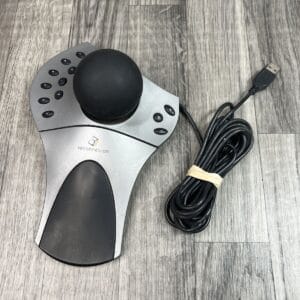
In the 90s, 3Dconnexion released its first 3D controllers in the SpaceBallseries. Designed mainly for CAD engineers, the ball-on-a-base device allowed intuitive navigation in 3D space through translation and rotation.
2000–2010: development and professionalisation
As 3D software developed, 3Dconnexion began offering more advanced products:
- SpaceMouse Classic : the first controller in the form familiar today, with a cap allowing movement on all axes and additional buttons.
- SpacePilot : designed for professionals, with more programmable buttons and an LCD displaying contextual CAD information.
- SpaceNavigator : a more compact version for individual users and less advanced projects.
Since 2010: modernity and versatility
After 2010, 3Dconnexion began introducing devices combining ergonomics, functionality and advanced technology.
- SpaceMouse Pro (2011) : an improved controller with extra buttons, ergonomic design and support for more applications.
- SpaceMouse Enterprise (2016) : the top model for professionals, with 31 programmable buttons, a colour LCD and advanced ergonomics.
- SpaceMouse Wireless (2013) : the company's first wireless device, offering mobility without compromising precision.
New developments and evolving functions
Today, 3Dconnexion focuses on devices for audiences ranging from CAD professionals and 3D creators to architects. Its products have become an industry standard, supporting applications such as 3D Studio Max, Blender, AutoCAD and SolidWorks.
The company also develops supporting software, including customisable drivers and updates enabling compatibility with new applications.
Products today
The current range includes:
- SpaceMouse Compact : a minimalist solution for individual users and beginners.
- SpaceMouse Pro and Pro Wireless : for more demanding users needing additional functions.
- SpaceMouse Enterprise : for professionals needing maximum control and efficiency.
- CadMouse : a dedicated mouse for CAD engineers, with a precise sensor and features for technical drawing. We tested it; at this price, many comparable or better mice are available. Button count and ergonomics matter to us. Although the ergonomics are acceptable, there are too few buttons in our view.
Summary
3Dconnexion has come a long way from simple controllers to advanced devices now standard across the industry.
This is not a sponsored article : we present only subjective observations based on years of experience with different tools.
-
- 3D training, controller
-
- 3Dconnexion Enterprise left side2
-
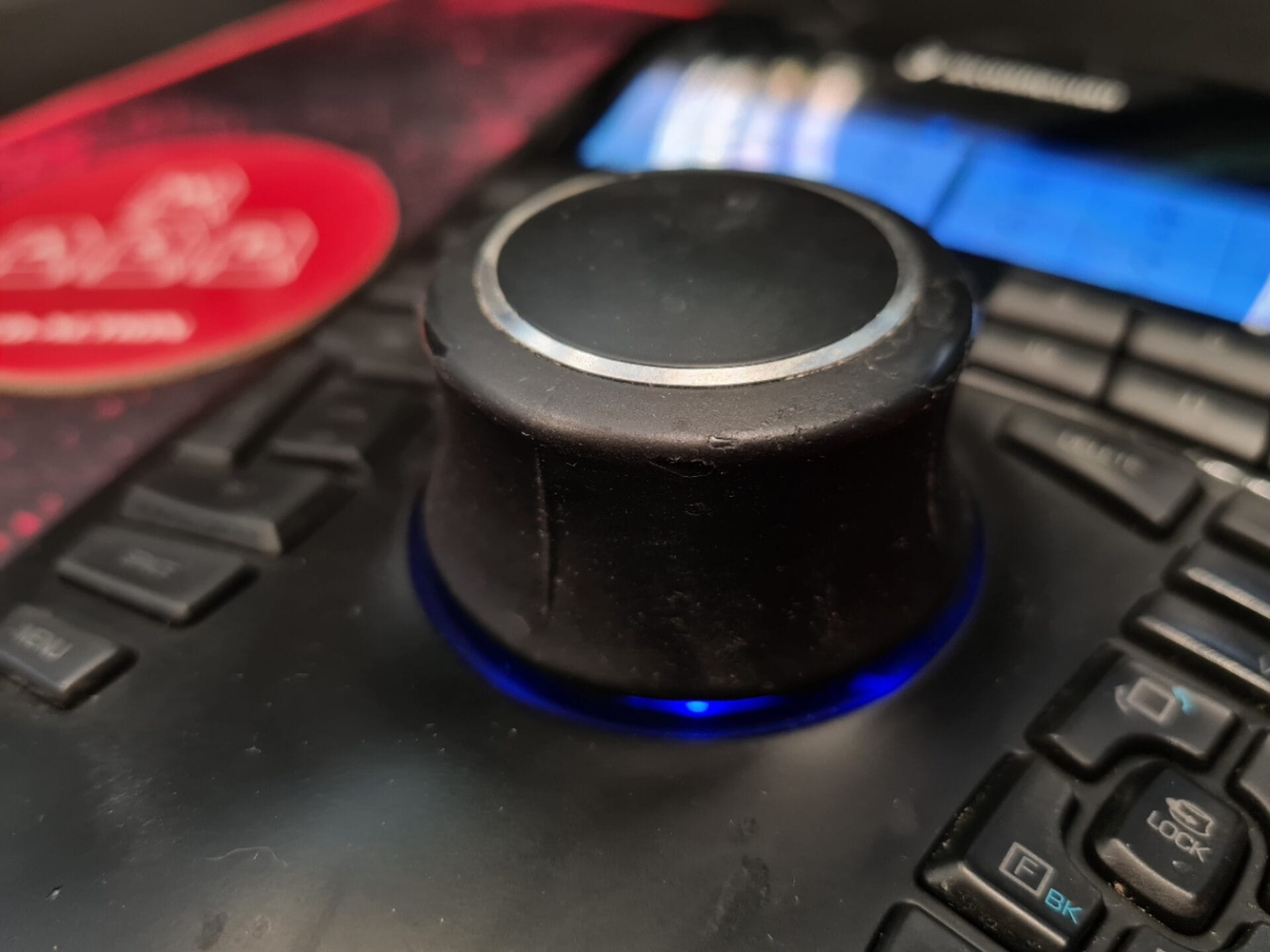
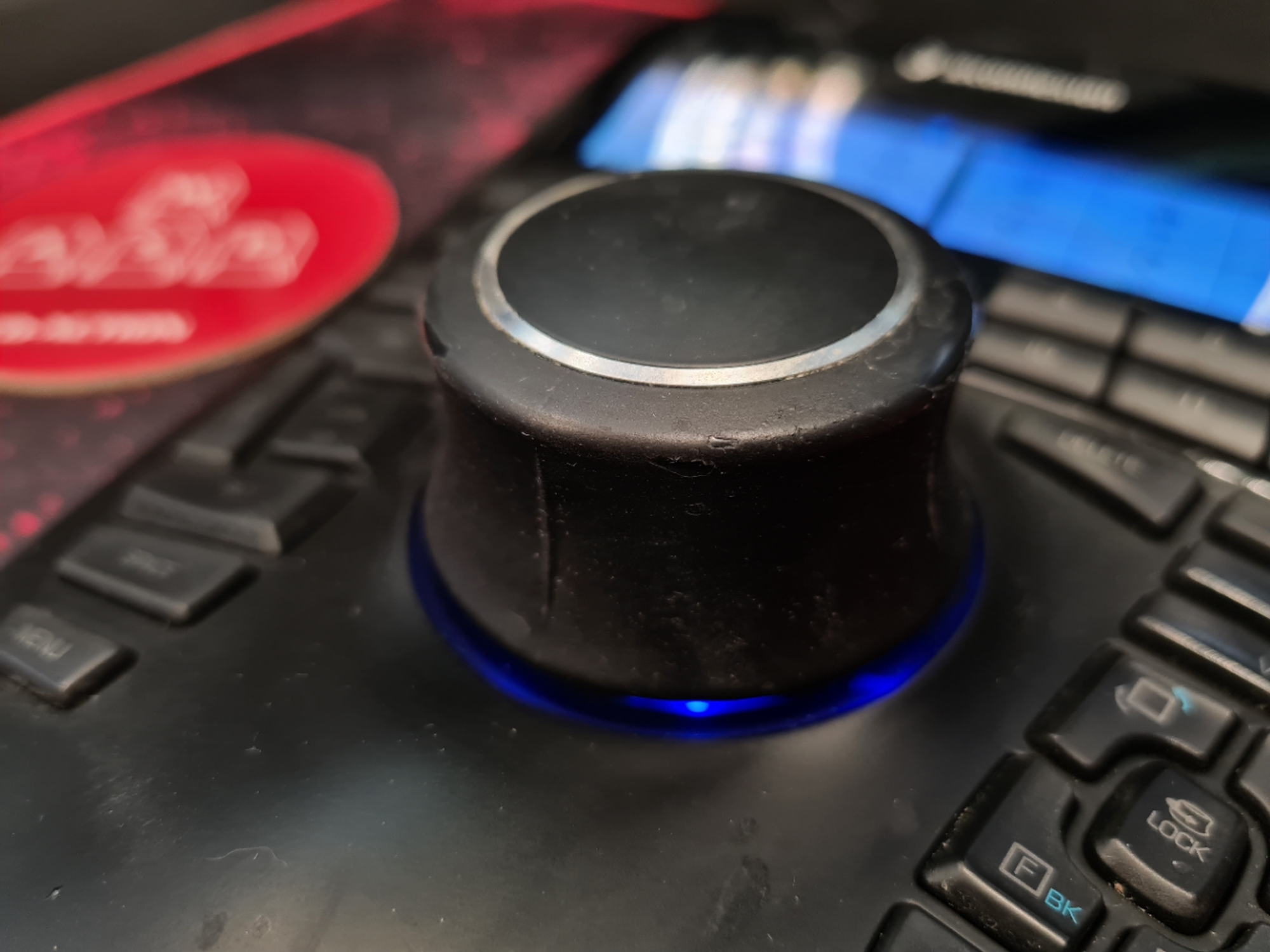
- 3Dconnexion Enterprise after 8 years of use
-
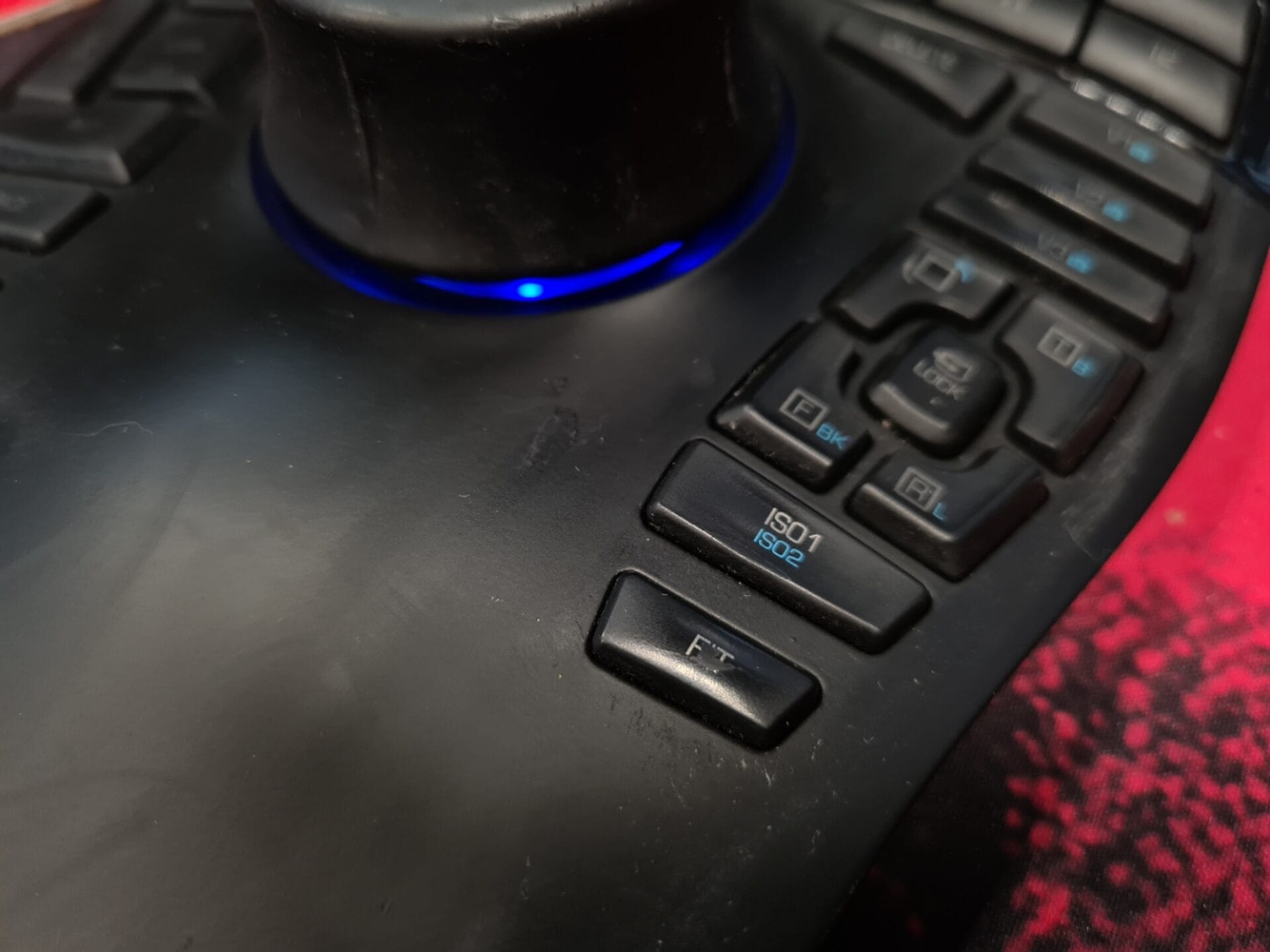
- 3Dconnexion Enterprise after 8 years of use slight wear
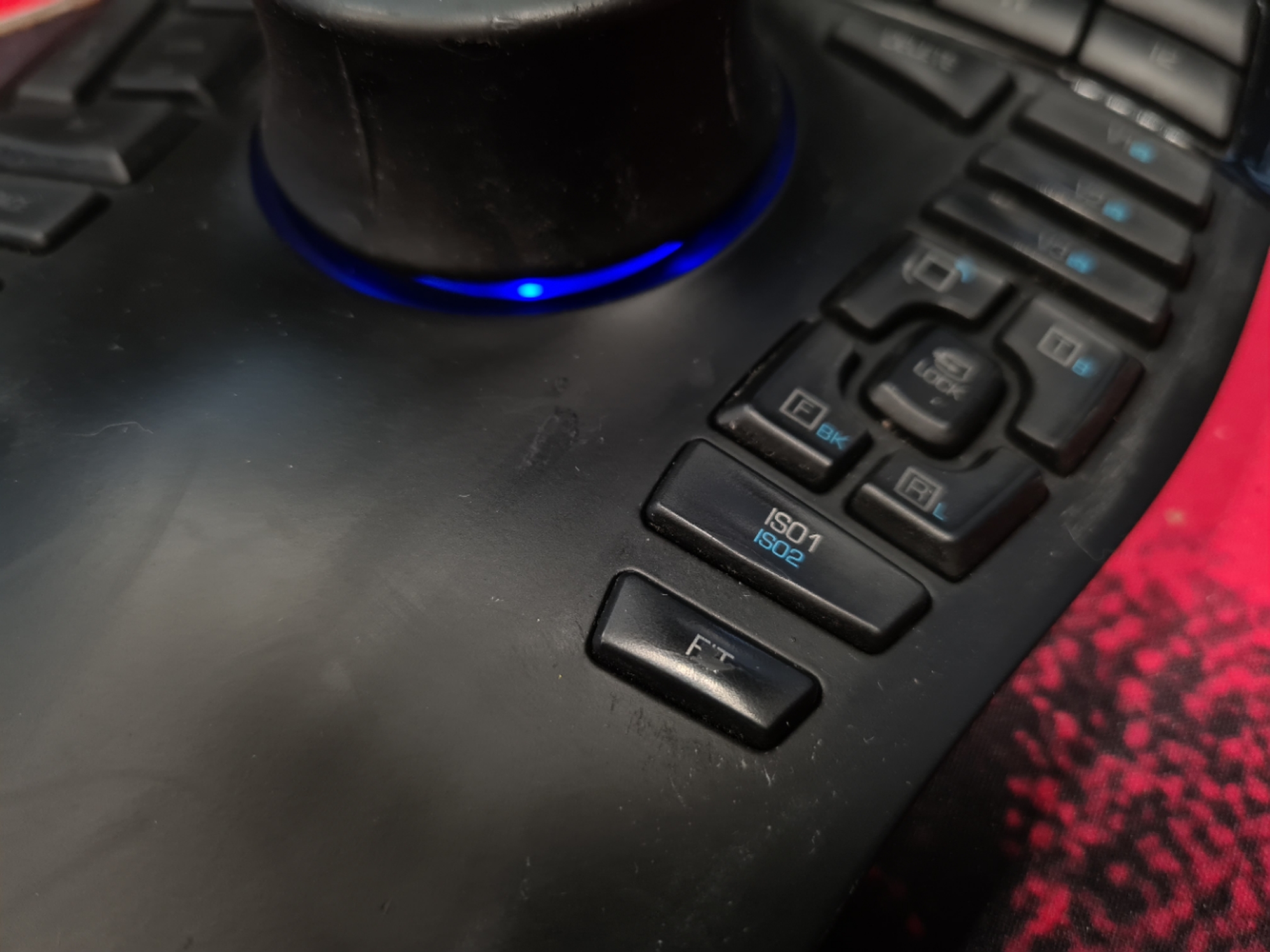
-
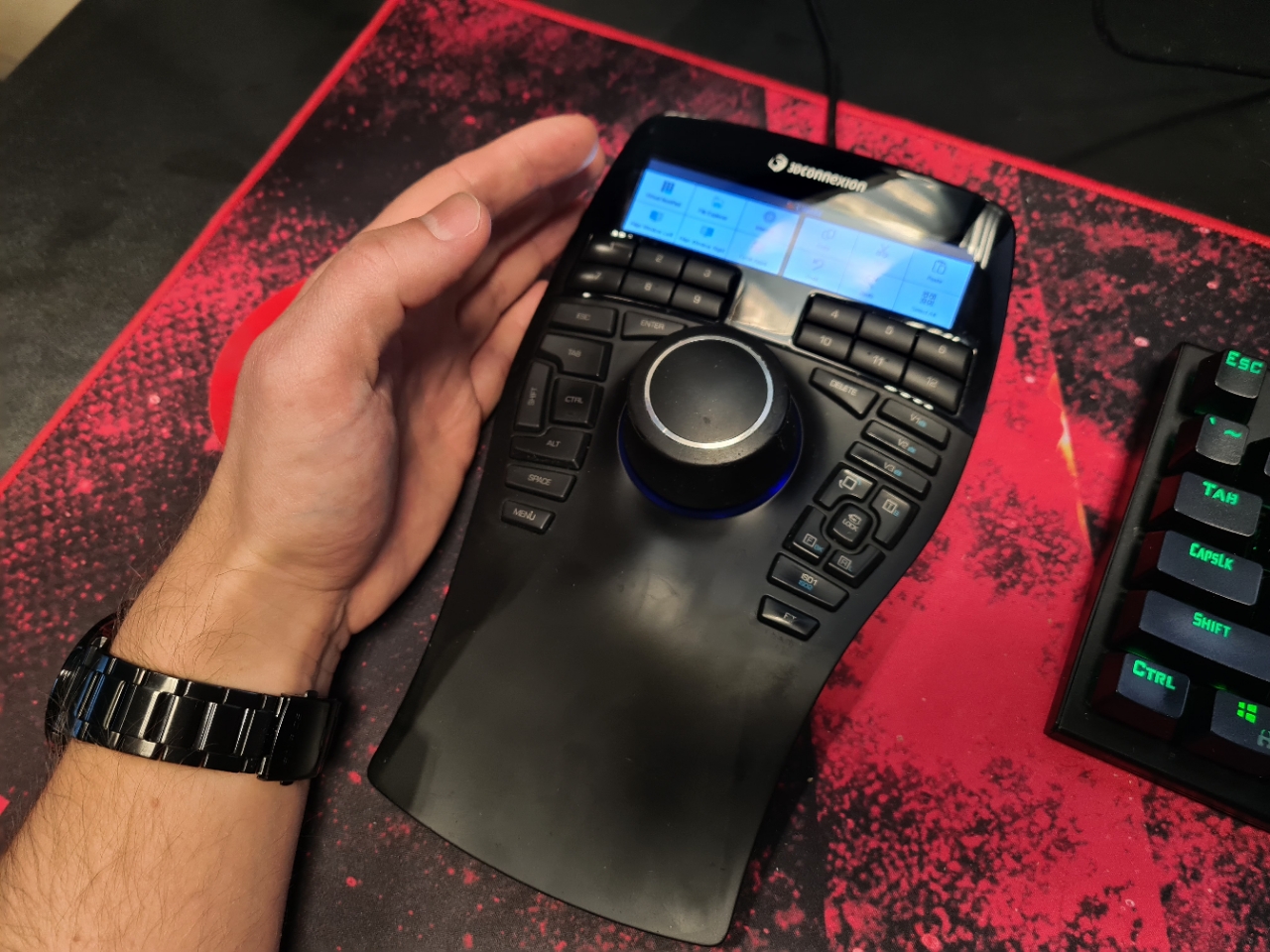
- 3dconnexion enterprise in 3d studio max work
-
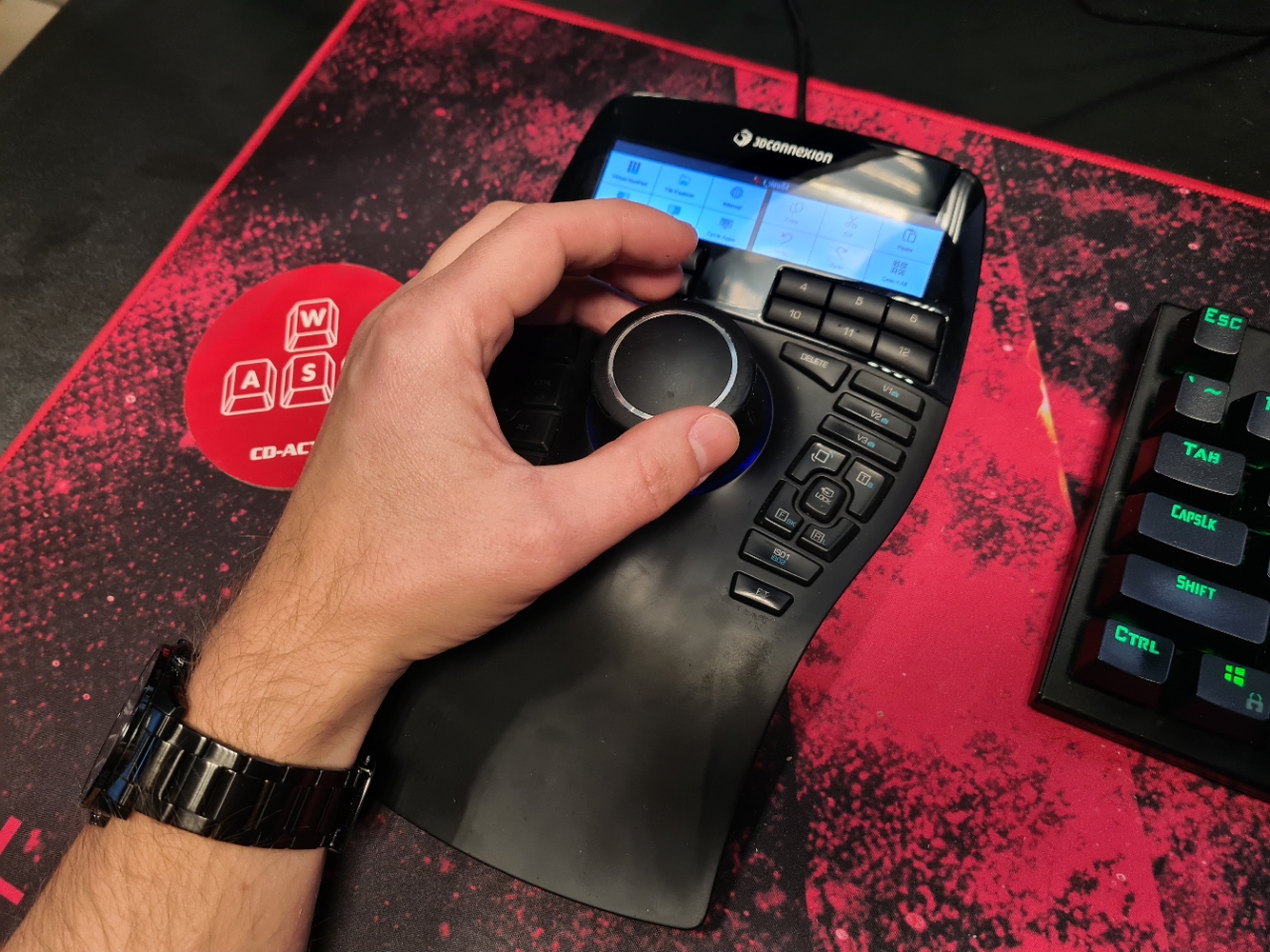
- 3Dconnexion Enterprise size
-
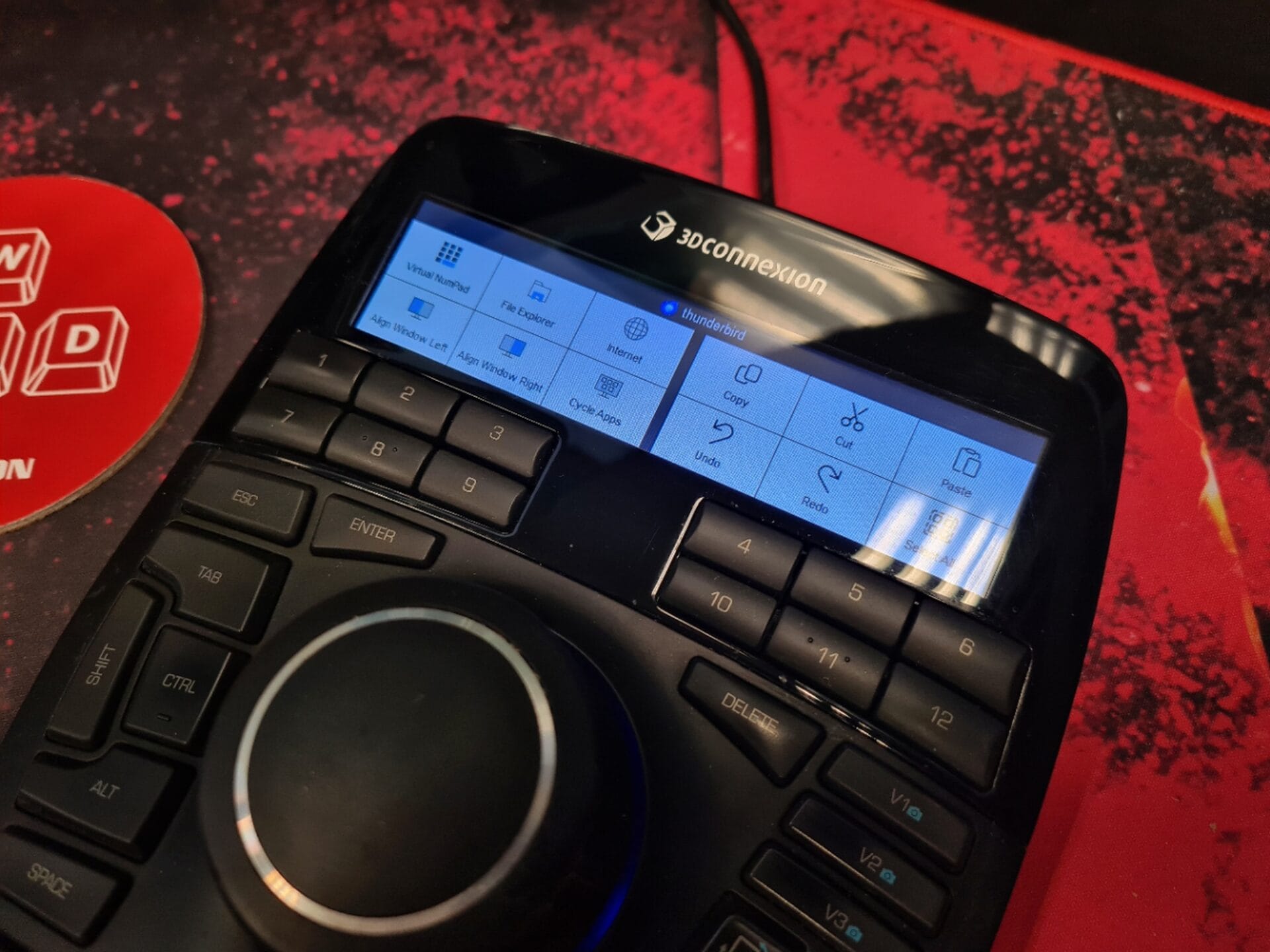
- 3Dconnexion Enterprise display