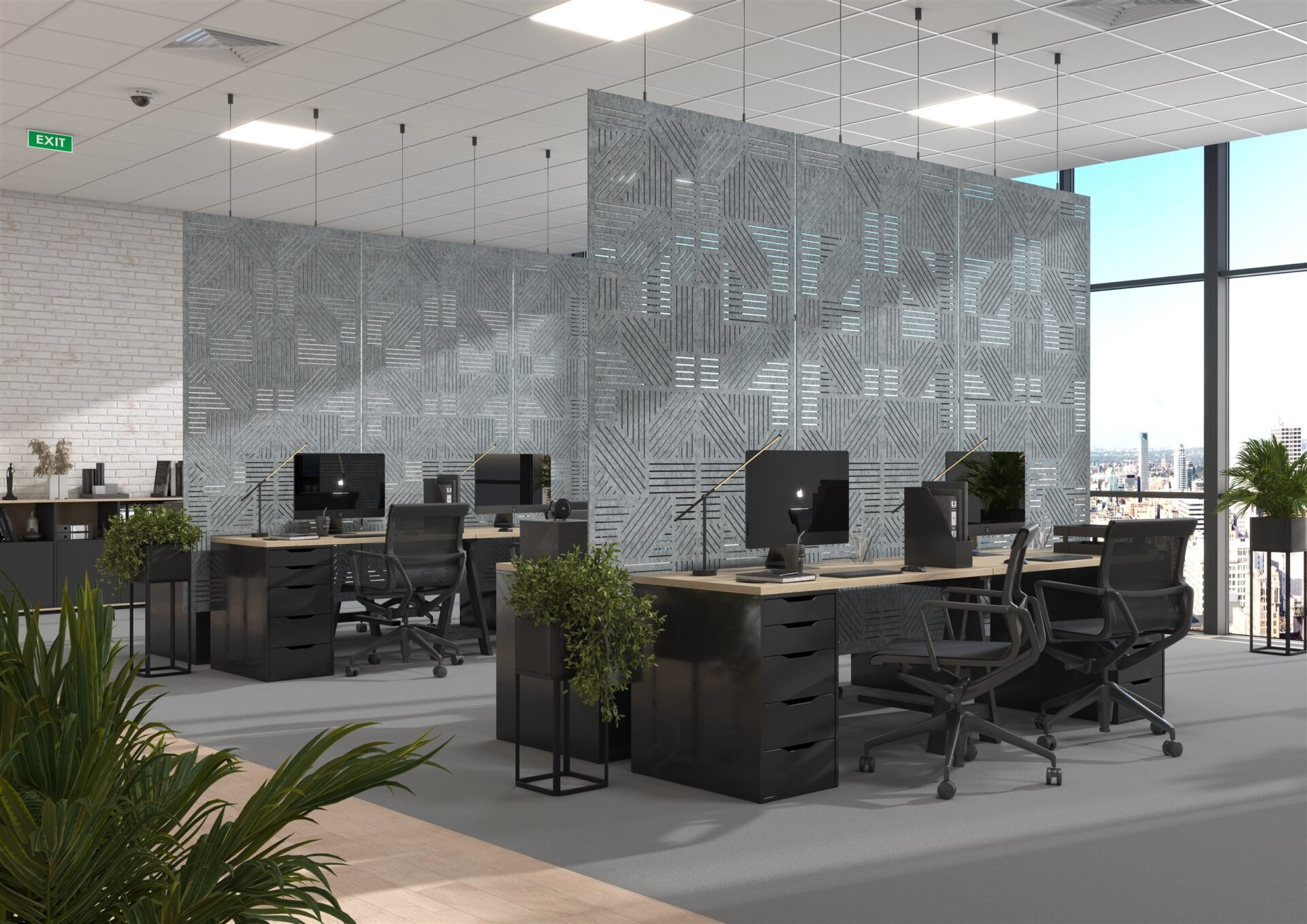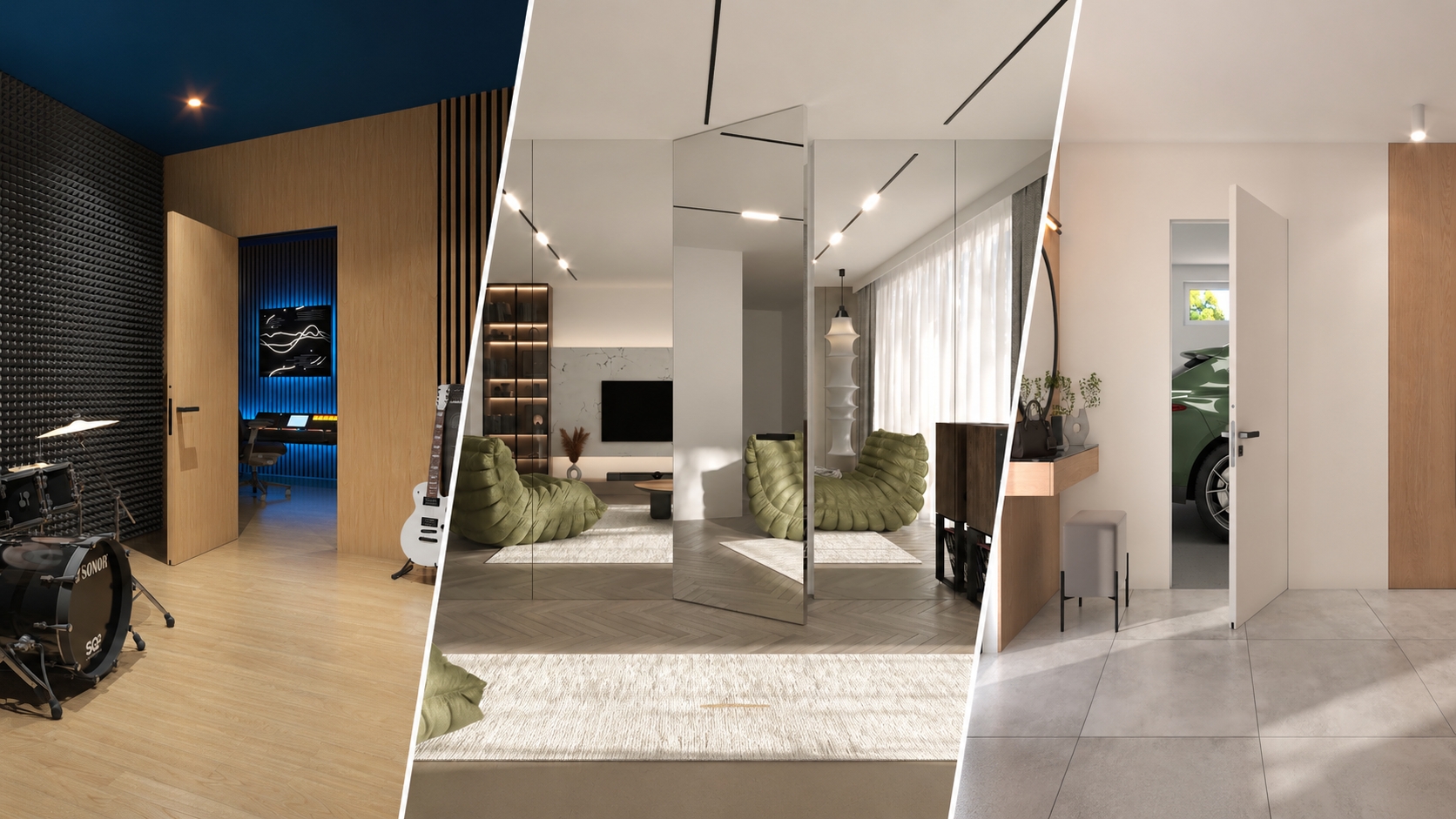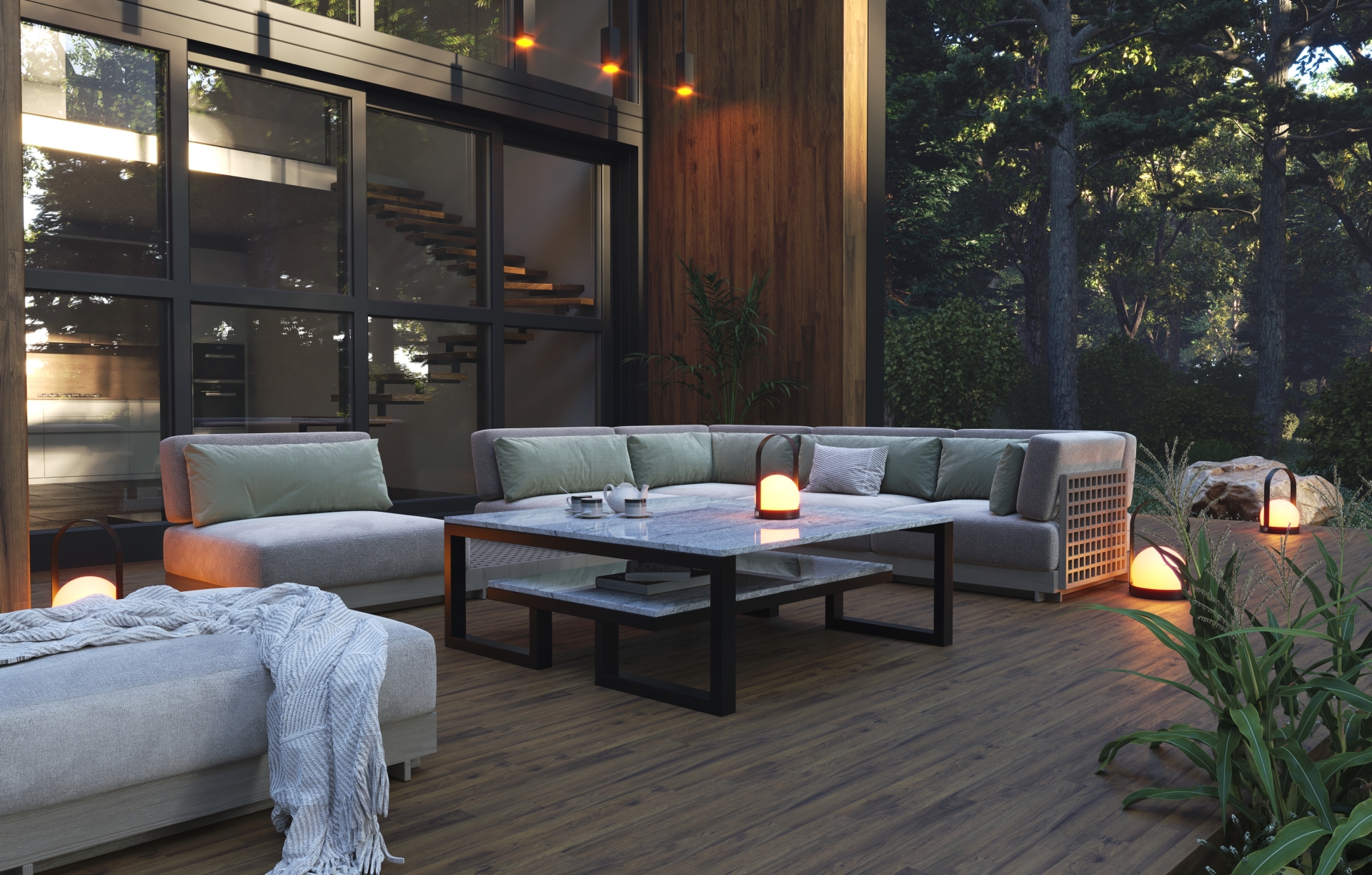
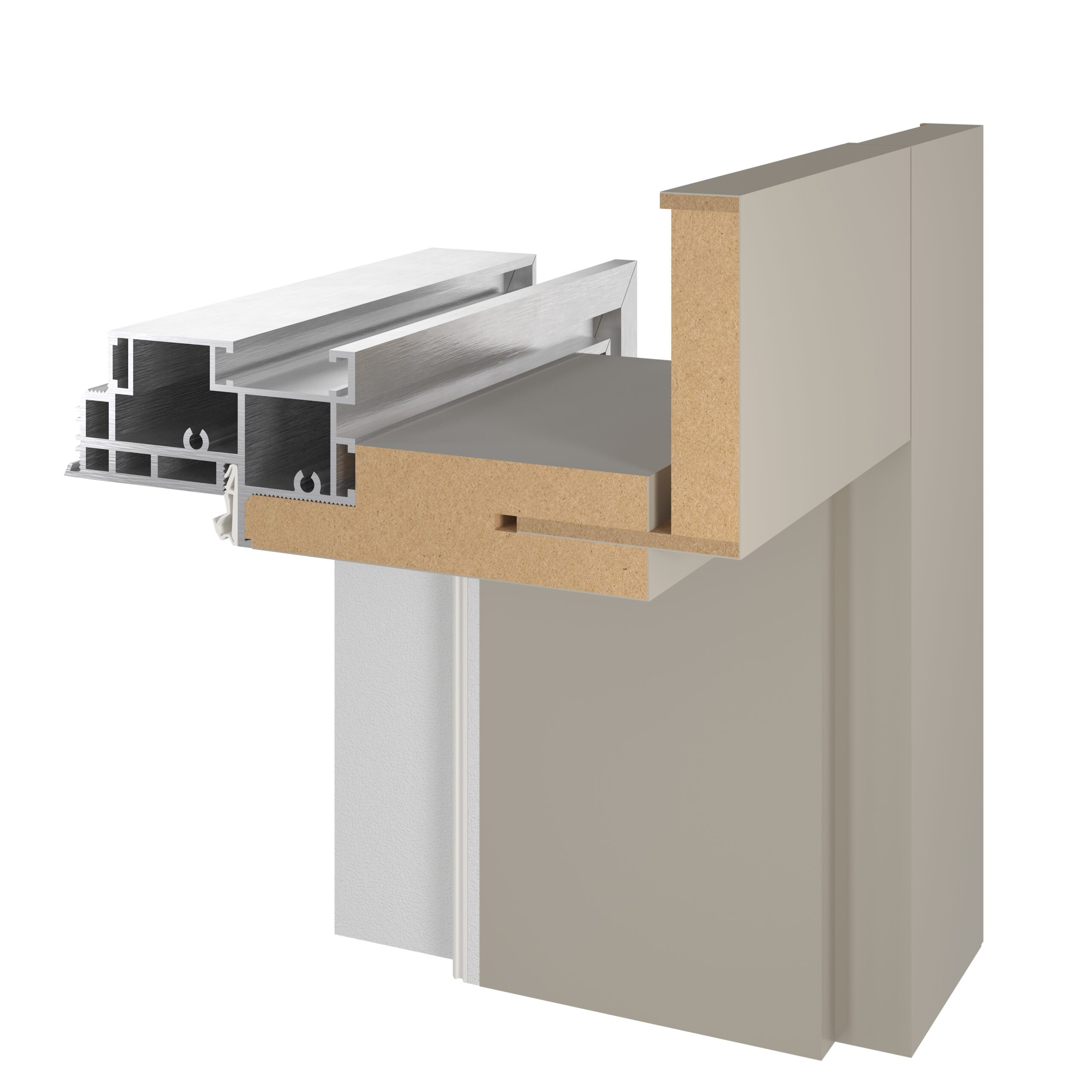
The manufacturer supplied cross-section drawings and textures used on its products. At Pogotowie 3D, we prepared their three-dimensional interpretation, materials for the 3D software and finished images and an animation. This allows a window or door's construction to be shown to customers in a spatial presentation.
Showing how a product is constructed
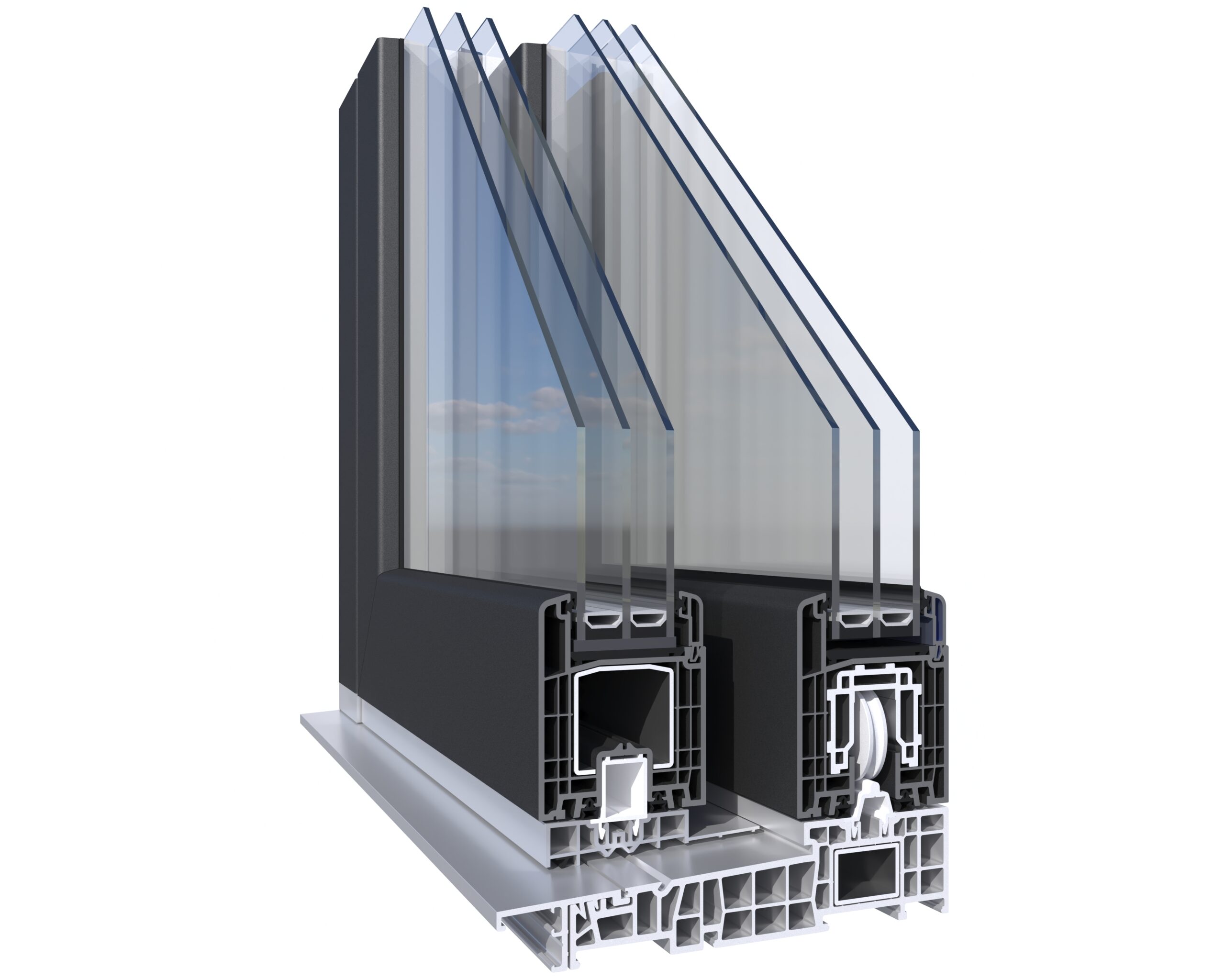
We create window and door cross-sections for manufacturers who want to present their products' construction and functions. The finished visualization shows the component layout and relative positions. Viewers can examine a structural section that remains hidden when the product is shown closed.
We prepare these 3D product visualizations focus attention on the selected cross-section. In the materials shown, the background is white and product construction remains the frame's main subject.
Drawings and textures from the manufacturer
The starting point was the manufacturer's product cross-section drawings. We used them to create a three-dimensional interpretation of the construction. The work involved translating a drawing into a model that can be shown from a selected direction and used in animation.
The manufacturer also supplied textures used on its products. We prepared finished materials for the 3D software, used in the visualizations. Both model geometry and surface appearance were therefore based on materials received from the manufacturer.
Details and proportions under control
In a cross-section, edge paths, individual component shapes and proportions matter. A 3D model gives us control over these elements and the reproduction of surfaces and colors. We prepare finished renders at high resolution so fine details can also be shown.
This is an important difference from AI image generation, where shapes may become distorted or details may change. Here, the image comes from prepared geometry and materials. The cross-sections shown are our 3D visualizations.
A finished render and rotation animation
The materials present static cross-sections of a window and frame and a short rotation animation of the window cross-section. The image focuses attention on product construction, while movement shows it from successive sides.
The manufacturer can place this presentation on its website. The animation can also be played forward and backward to suit the presentation's needs.
What can be prepared from the same model?
The finished model can be used for further views or close-ups of a selected cross-section area. This allows the product presentation to be expanded with views needed in catalogs, on websites or in sales materials. The animation shown is an example of using the model in motion as well.
Find more examples in the article about product and window cross-sections. If you want a similar presentation of your product, explore our 3D product visualization services.