3D rendering in V-Ray
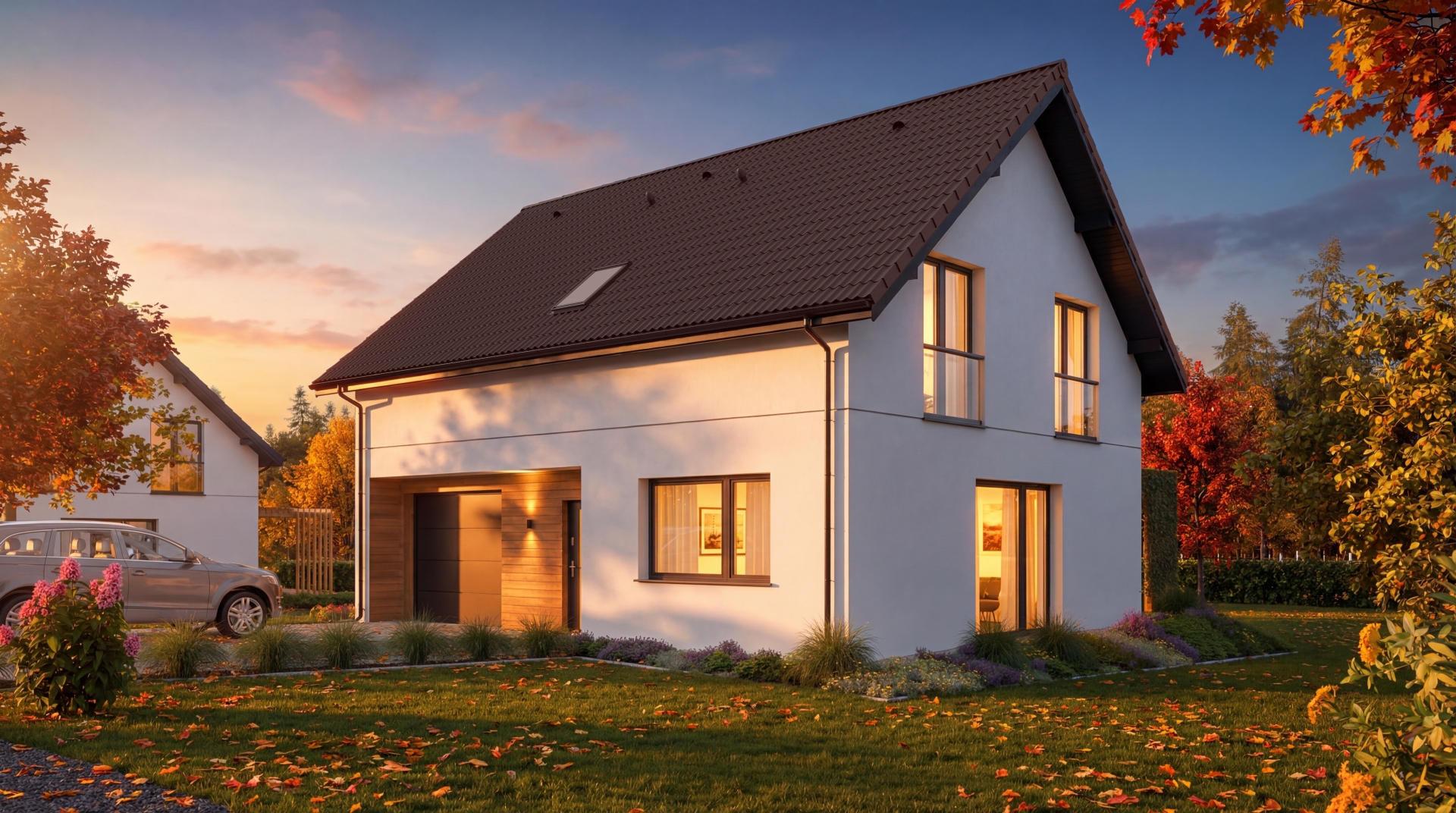
V-Ray is by far the longest-serving plugin for photorealistic 3D rendering in our company. Its first version appeared in 2002, and it has come a long way since.
22 years on the market: how did it begin?
Even the earliest V-Ray versions supported GI, simulating realistic light bouncing between surfaces. Algorithms such as Irradiance Map and Photon Mapping were essential then. They provided the beginnings of photorealistic interior rendering, particularly for animation. Despite teething problems, V-Ray stood out from competitors such as Mental Ray, Maxwell, Brazil and other renderers available at the time. It evolved towards greater realism, speed and simpler functions, allowing artists to focus on artistic work instead of fighting floating shadows 🙂
The breakthrough: 3D rendering on GPUs
Each V-Ray version evolved in the right direction, improving realism and usability. Key moments included RT and later V-Ray 3.0 in 2014. RT whetted our appetite for GPU rendering, but version 3.0 gave us the real beginnings of 3D rendering on graphics cards. The decisive step was Next in 2018, our biggest breakthrough: a 90% shift from CPU to GPU rendering. Today, 99% of our projects render on GPUs. These 3D rendering needs were behind the creation of our GPU Tytan. We now use the 3rd generation of multi-GPU computing machines.
The launch of Vray-7
V-Ray 7 for 3ds Max introduces features and improvements significantly increasing efficiency and rendering quality. Key developments include:
Gaussian Splat support
The new technology renders complex 3D environments with accurate reflections and refractions, creating photorealistic scenes faster.
Virtual tours
Interactive panoramic tours can now be generated directly from V-Ray, with automatic hotspots, customisable transitions and floor plans.
Custom render regions
Users can define custom-shaped regions in the V-Ray Frame Buffer, precisely rendering selected scene areas without re-rendering everything.
Vignette layer
A new VFB vignette layer makes adding vignettes easy, with adjustable shape and intensity.
Colour correction presets
New VFB presets let users quickly experiment with colour grading styles and further customise them.
Chaos Scatter improvements
The new Instance Brush allows manual object placement adjustments by painting, while a distribution map library offers varied placement patterns for realistic scenes.
Firefly removal
A new algorithm automatically detects and removes bright pixels, known as fireflies, during rendering, reducing post-production time and delivering the final image sooner.
Improved V-Ray Sun & Sky
The updated PRG sky model provides more realistic transitions between times of day, including nautical twilight support, for more immersive animations and still images.
V-Ray Luminaires
Support for complex lighting fixtures in Chaos Cosmos allows realistic lights to be added quickly and accurately, greatly improving project atmosphere.
V-Ray Profiler
The new tool provides detailed rendering performance reports, identifying time-consuming processes to optimise workflows.
Summary
We have worked in V-Ray 7 for several weeks. We also helped develop it by testing Alpha and Beta versions. V-Ray 7 is faster, more efficient and simpler 🙂 Automating technical settings gives 3D artists greater creative freedom.
We recommend watching this short film showing the V-Ray 7 developments above: