Pogotowie3d logo 2026 )1
  • Home
  • About us
  • What we do
    • 3D building visualizations
    • 3D product visualizations
    • 3D furniture visualizations
    • Interactive 360 visualizations
    • Pricing
  • Portfolio
    • Portfolio at a glance
    • Portfolio for real estate developers
    • Portfolio by category
    • In a few moments — reels
  • Free
    • Free 360° generator
  • Blog
  • Contact
Call us
Pogotowie3d logo 2026 )1
  • Home
  • About us
  • What we do
    • 3D building visualizations
    • 3D product visualizations
    • 3D furniture visualizations
    • Interactive 360 visualizations
    • Pricing
  • Portfolio
    • Portfolio at a glance
    • Portfolio for real estate developers
    • Portfolio by category
    • In a few moments — reels
  • Free
    • Free 360° generator
  • Blog
  • Contact
MultiTexture FloorGenerator floor render plugins
News from the 3D world, advice, tips, debugging and tutorials

Floors for 3D Studio Max: FloorGenerator and MultiTexture

2025-02-10 /Posted byadmin

In 3D visualization, some tools remain indispensable for years and continue to feature in artists' workflows. Two extremely popular plugins for 3D Studio Max are FloorGenerator and MultiTexture. These are among our longest-used add-ons, accompanying our work for well over a decade. Their versatility and usefulness mean they remain essential for creating realistic surfaces.

The plugins' history and developer

Both plugins come from CG-Source, a company known in 3D graphics for high-quality resources and tools supporting photorealistic visualization. CG-Source has supplied solutions making artists' work easier for years, and FloorGenerator and MultiTexture are among its best-known products.

FloorGenerator began as a tool for generating realistic floors in 3D Studio Max. Over time, it became hugely popular with architects, interior designers and visualization artists. MultiTexture emerged as its natural complement, allowing realistic random texture application to generated surfaces.

FloorGenerator: a tool for generating floors and more

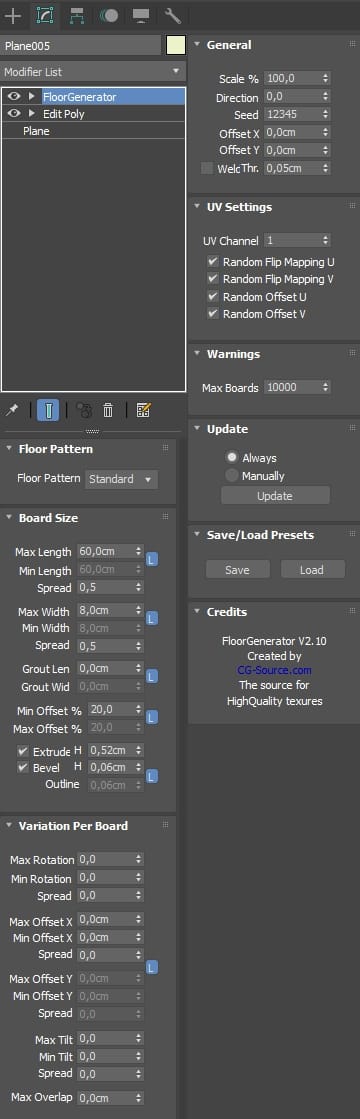
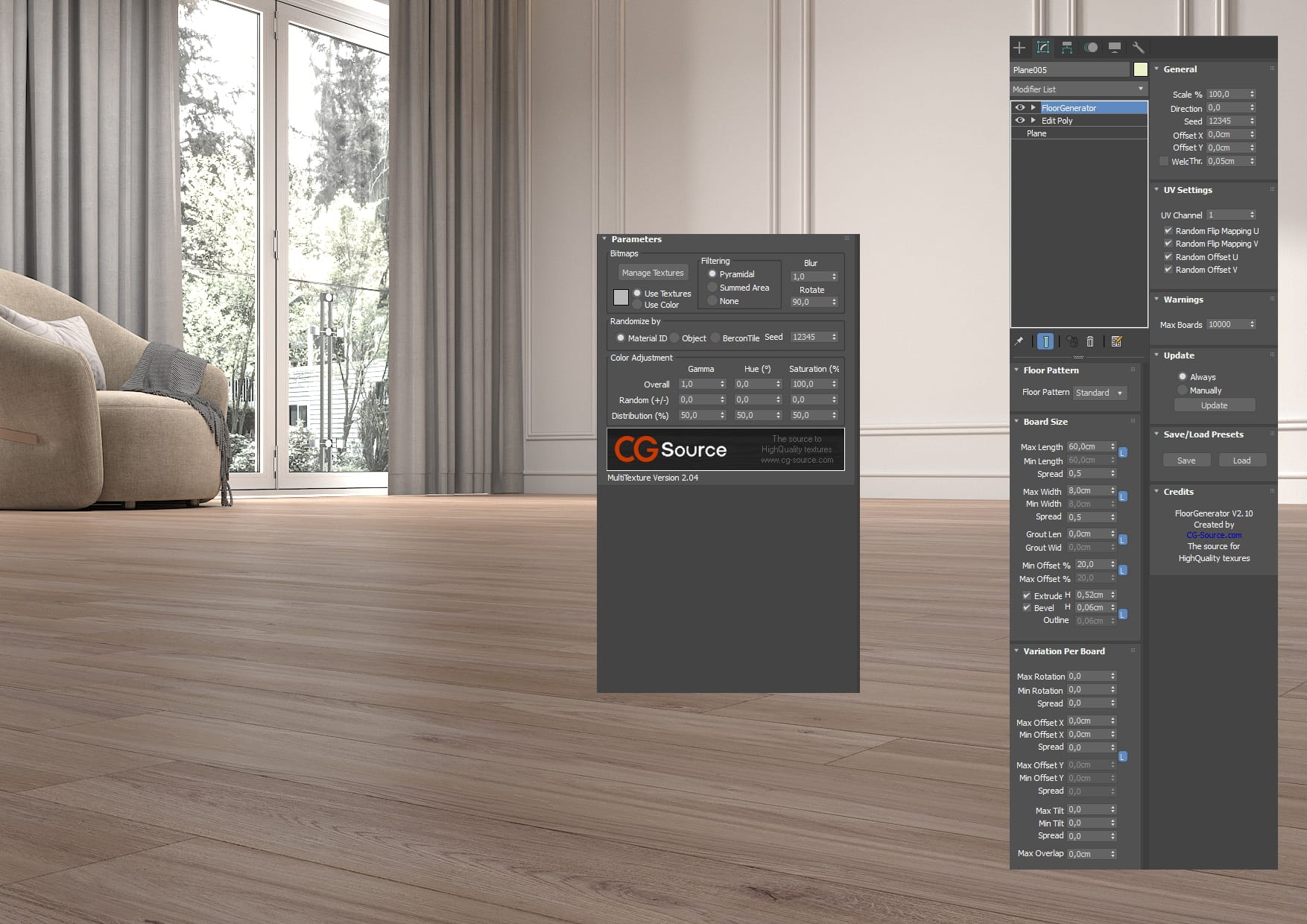
FloorGenerator is an extremely useful plugin for quickly creating realistic plank, panel or tile floors in 3D Studio Max. It can create irregularly arranged boards with different lengths, widths and orientations. Its main features include:

  • Generating floors with different board patterns : users can adjust board lengths and widths and define their degree of irregularity.

  • Adjustable gaps between boards : allowing more realistic surface reproduction.

  • Support for irregular shapes : floors can be adapted to unusual surface shapes, making the plugin excellent for more complex scenes.

  • Geometry optimisation : the plugin generates an optimised mesh, making later rendering easier.

  • Creating enormous seamless surfaces : without requiring high-resolution textures.

  • Lightweight and efficient operation : the plugins do not overload the scene and can be used even in large projects.

  • Support for vertical as well as horizontal surfaces : elements such as wall tiles can also be created successfully.

MultiTexture: random texture application

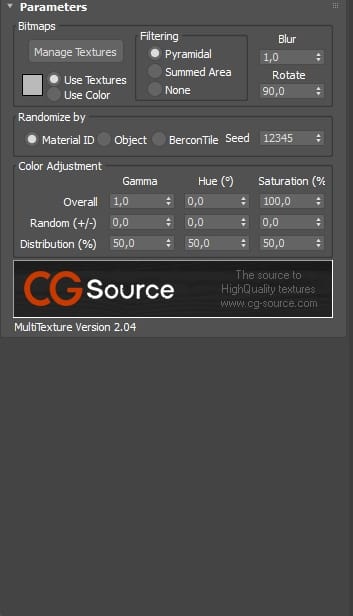
MultiTexture is another essential CG-Source plugin that works perfectly with FloorGenerator. Its main function is randomly applying textures to scene elements, significantly increasing realism. Its key features include:

  • Random texture assignment : ideal for surfaces consisting of many elements, such as wooden floors, brick walls and roof tiles.

  • Support for multiple texture files simultaneously : users can load many textures, and the plugin assigns them randomly.

  • Integration with V-Ray and Corona Renderer : compatibility with popular rendering engines makes MultiTexture excellent for professional projects.

  • Adjustable texture scale and brightness : users can manipulate each texture's parameters individually to avoid repetition in the scene.

Why are these plugins still popular?

FloorGenerator and MultiTexture are tools that remain indispensable despite the passing years. Their greatest advantages are ease of use and enormous flexibility, allowing even beginners in 3D Studio Max to quickly improve visualization realism. Together, the plugins create unique, realistic floors, walls and other surfaces, making them essential in every 3D artist's toolkit.

To learn more about techniques used in 3D visualization, explore our other blog articles and our services for 3D product visualizations, furniture visualizations and architectural visualizations. If you have questions, contact us , and we will gladly help!


Summary

Children's furniture visualizations are more than a way to present a product. They also build emotions and atmosphere that encourage purchases. We are pleased to have helped our client realise their vision and create images meeting the highest quality standards.

Want your products to impress viewers too? Contact us! We will prepare professional visualizations of your furniture or other productsto increase their sales.


Tags: 3D Max floors, 3D Studio Max, 3D Studio Max plugins, FloorGenerator, MultiTexture, seamless, tips
Share Post
  • Twitter
  • Facebook
  • VK
  • Pinterest
  • Mail to friend
  • Linkedin
  • Whatsapp
  • Skype
Coffee table visualizations: u...
Yellow coffee table visualization
Terraced house visualization
Architectural visualizations: ...

Related posts

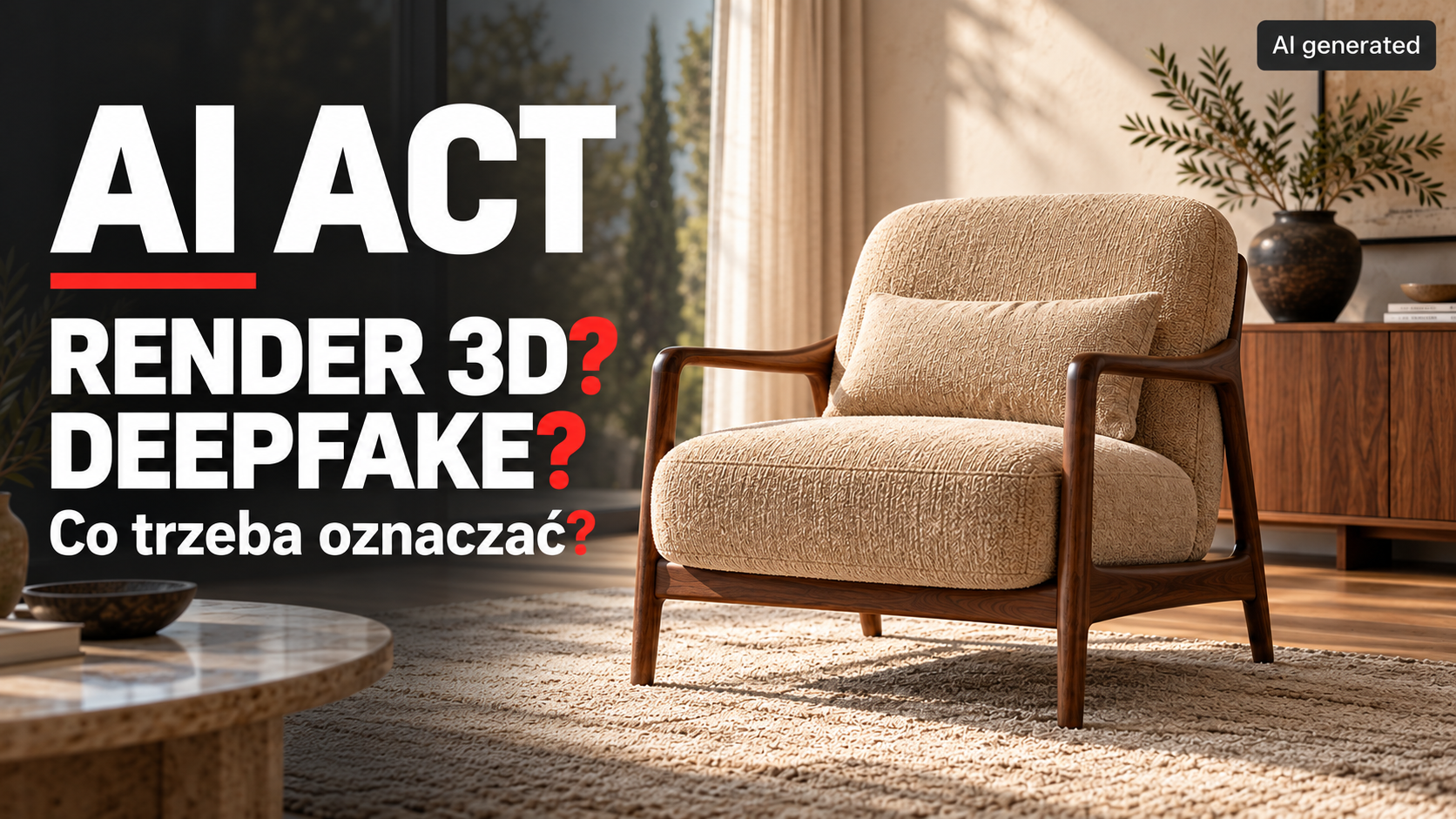
AI Act: 3D render or deepfake? What needs labeling? An armchair in an interior setting with an AI generated label
News from the 3D world, advice, tips, debugging and tutorials
Read more

The AI Act and 3D visualizations: do renders need an AI label?

2026-10-11
A 3D render created without AI does not require an AI content label under Article 50. We explain when AI use changes the situation, which... Continue reading
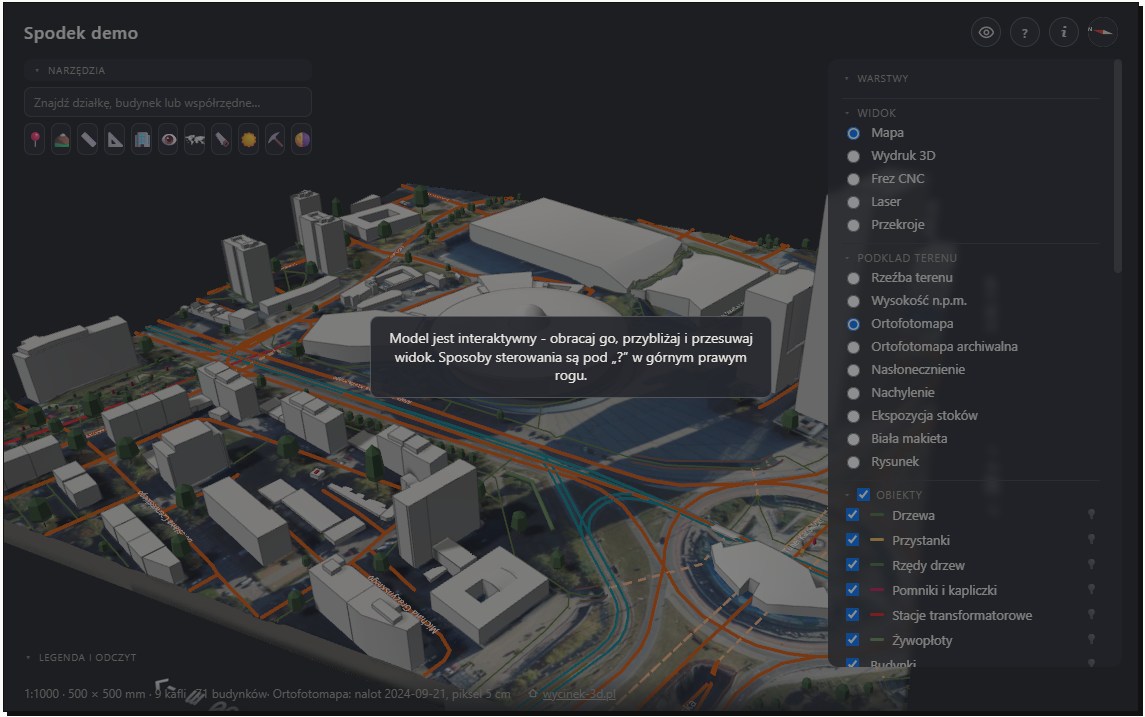
Wycinek 3D — a terrain and surroundings model for architectural visualizations
Building and interior visualizations
Read more

Wycinek 3D — a Polish tool for creating surroundings for architectural visualizations

2026-10-01
Wycinek 3D is a Polish service for preparing terrain, existing buildings and development surroundings from real spatial data. We show where this solution can speed... Continue reading
3d house visualization autumn 01
News from the 3D world, advice, tips, debugging and tutorials
Read more

3D visualization or an AI image? When consistency with the design matters

2026-09-21
3D visualization or an AI image? We explain why design consistency, consistent views and model control matter in sales materials. Continue reading
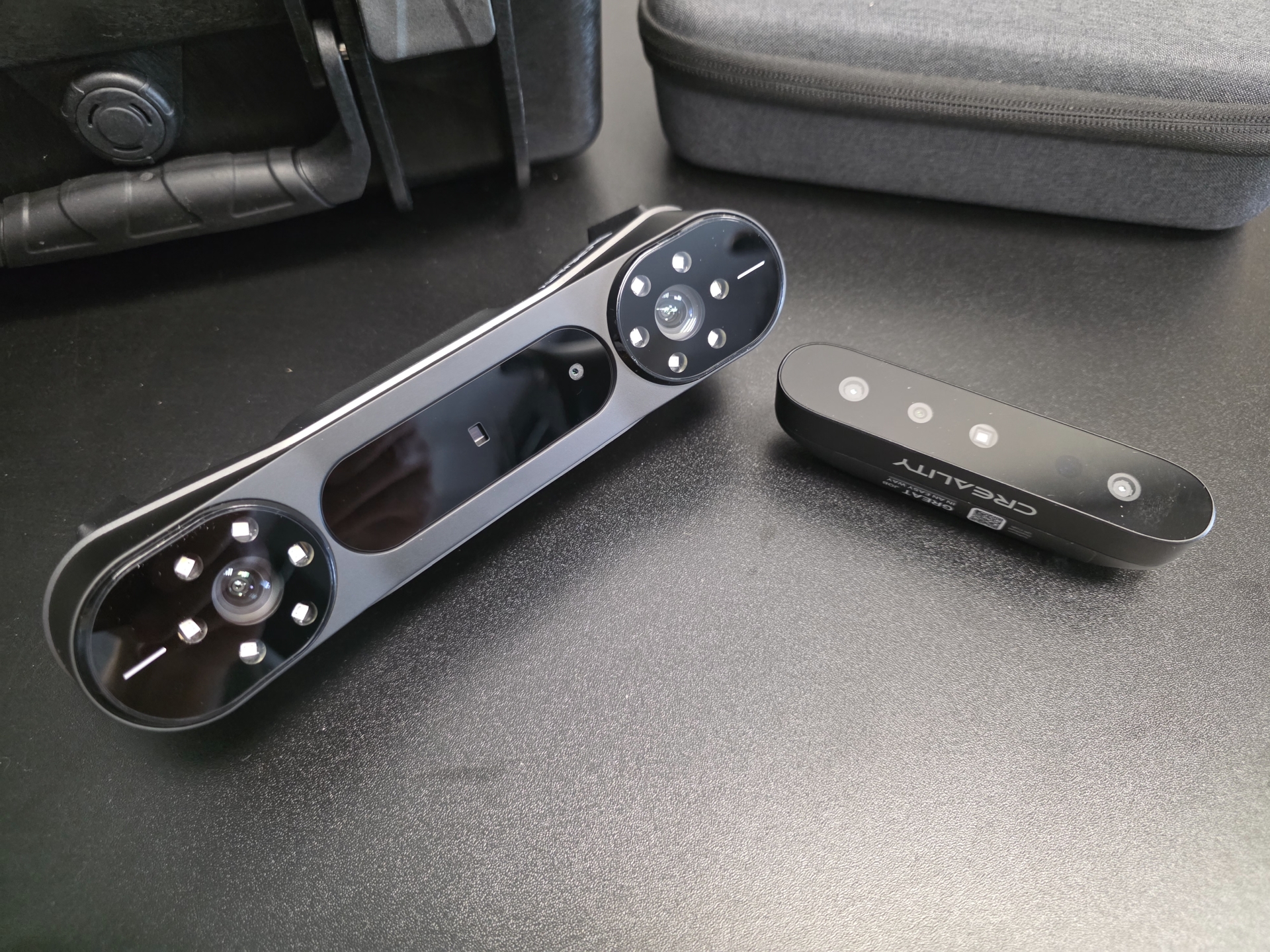
3D scanner for an artist
News from the 3D world, advice, tips, debugging and tutorials
Read more

Which 3D scanner should you buy in 2026? For an artist and a 3D graphics studio. For visualization and 3D printing.

2026-08-08
Continue reading
The Witcher 4 Unreal 5 demo
News from the 3D world, advice, tips, debugging and tutorials
Read more

The Witcher 4: a technology demo on Unreal Engine 5 (State of Unreal 2025)

2025-06-10
Continue reading

Comments are closed

Recent posts

  • 3D and AI upholstered furniture visualizations. A corner sofa in an interior scene and in motion
  • 3D packaging visualizations. A new label on an existing product
  • 3D window and door cross-sections. From manufacturer drawings to a finished presentation
  • The AI Act and 3D visualizations: do renders need an AI label?
  • 3D equipment visualizations for manufacturers. From model to sales materials
Pogotowie3d logo 2026 )1
  • Menu

    • About us

    • What we do

    • Portfolio at a glance

      New
    • Portfolio for real estate developers

    • Blog

    • Contact

  • Popular

    • Architectural visualizations

      New
    • Pricing

      New
    • Product visualizations

    • Furniture visualizations

  • Other

    • Privacy policy

    • Cookie policy

    • Taxe online accounting

    • Krysztaly.pl shop

    • Zdzislowicz websites

Our address

ul. Trzebińska 56/15
32-500 Chrzanów

783 783 360

biuro@pogotowie3d.pl

Facebook Instagram Pinterest Whatsapp Email Youtube
© 2008– Pogotowie 3D. All Rights Reserved.
Manage consent
Aby zapewnić jak najlepsze wrażenia, korzystamy z technologii, takich jak pliki cookie, do przechowywania i/lub uzyskiwania dostępu do informacji o urządzeniu. Zgoda na te technologie pozwoli nam przetwarzać dane, takie jak zachowanie podczas przeglądania lub unikalne identyfikatory na tej stronie. Brak wyrażenia zgody lub wycofanie zgody może niekorzystnie wpłynąć na niektóre cechy i funkcje.
Funkcjonalne Always active
Przechowywanie lub dostęp do danych technicznych jest ściśle konieczny do uzasadnionego celu umożliwienia korzystania z konkretnej usługi wyraźnie żądanej przez subskrybenta lub użytkownika, lub wyłącznie w celu przeprowadzenia transmisji komunikatu przez sieć łączności elektronicznej.
Preferencje
Przechowywanie lub dostęp techniczny jest niezbędny do uzasadnionego celu przechowywania preferencji, o które nie prosi subskrybent lub użytkownik.
Statystyka
Przechowywanie techniczne lub dostęp, który jest używany wyłącznie do celów statystycznych. Przechowywanie techniczne lub dostęp, który jest używany wyłącznie do anonimowych celów statystycznych. Bez wezwania do sądu, dobrowolnego podporządkowania się dostawcy usług internetowych lub dodatkowych zapisów od strony trzeciej, informacje przechowywane lub pobierane wyłącznie w tym celu zwykle nie mogą być wykorzystywane do identyfikacji użytkownika.
Marketing
Przechowywanie lub dostęp techniczny jest wymagany do tworzenia profili użytkowników w celu wysyłania reklam lub śledzenia użytkownika na stronie internetowej lub na kilku stronach internetowych w podobnych celach marketingowych.
  • Manage options
  • Manage services
  • Manage {vendor_count} vendors
  • Read more about these purposes
Zobacz preferencje
  • {title}
  • {title}
  • {title}