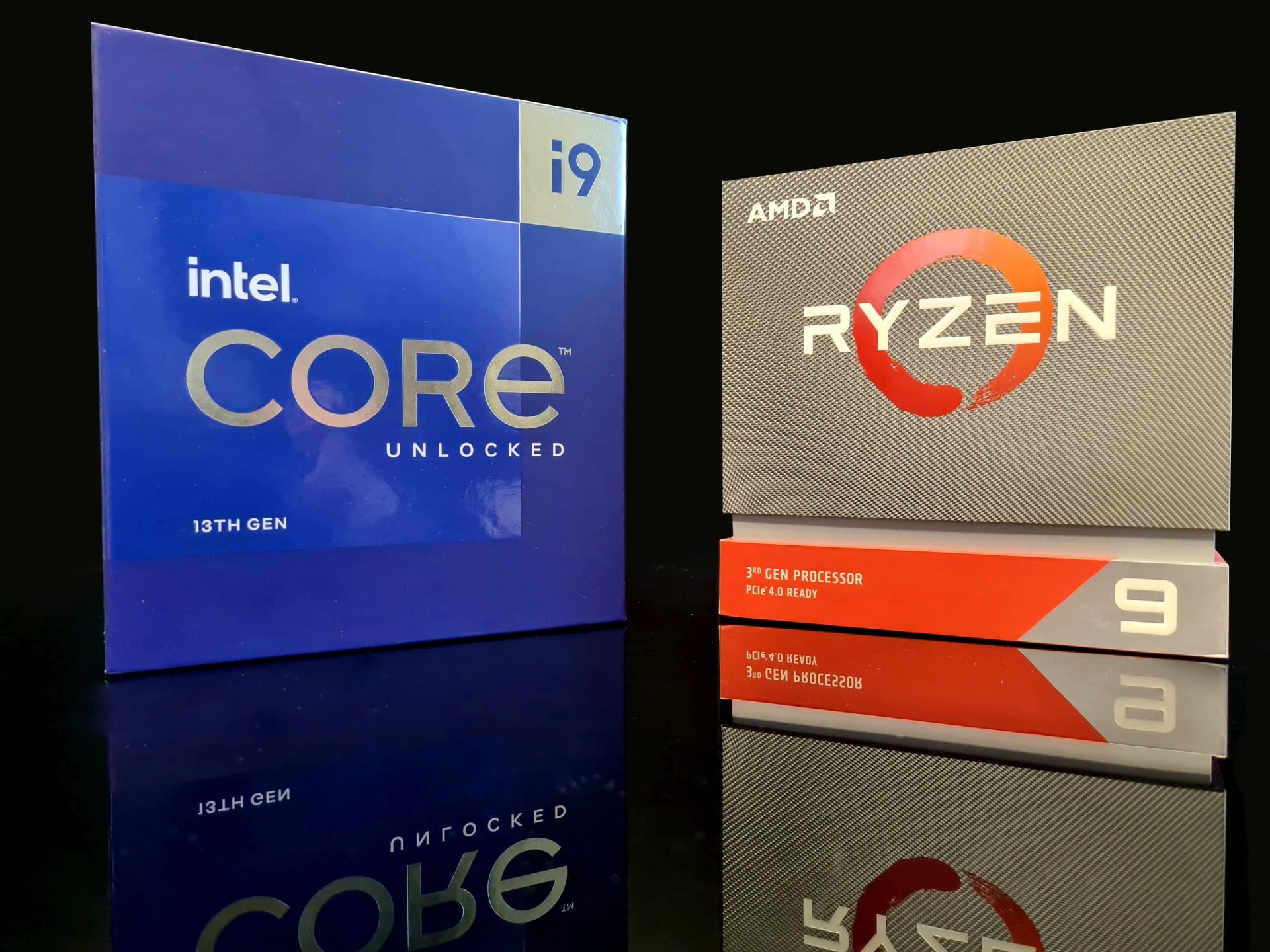
In recent years, CPU rendering has largely been replaced by GPU rendering. However, this is not always possible: not all effects are available on the GPU, and some scenes cannot fit into VRAM because of their size or resolution. Choosing the right processor remains crucial for CPU rendering or when working with top-end graphics cards or multiple GPUs.
Intel processors
Intel Core i9
If you work with a single but powerful graphics card, such as an RTX 4090, the Intel Core i9-14900K will be a very good choice. It offers 24 cores (8P + 16E) and 5,8 GHz maximum clock speed, providing strong performance in 3D graphics and GPU rendering applications such as V-Ray, Blender Cycles or OctaneRender.
Key specifications:
-
Number of cores/threads: 24/32
-
Maximum clock speed: 5,8 GHz
-
RAM: up to 192 GB DDR5
-
V-Ray Benchmark CPU: approximately 38 712 points
Older series: cheaper alternatives
If you do not want to invest in the latest models, consider older series that still offer good rendering and 3D graphics performance:
-
Intel Core i7-13700K : a good choice on a lower budget
-
Intel Core i9-13900K : performance very close to the 14900K, but often cheaper
-
Intel Core i9-12900K : 16 cores, 24 threads and excellent single-threaded and multi-threaded performance
AMD processors
Ryzen 9
AMD Ryzen 9 7950X is one of the most powerful consumer processors for creative work. With 16 cores and high clock speeds, it handles CPU rendering very well.
Key specifications:
-
Number of cores/threads: 16/32
-
Maximum clock speed: 5,7 GHz
-
Cache: 144 MB (X3D version)
-
V-Ray Benchmark CPU: approximately 44 502 points
New to the market are the Ryzen 9 9950X3D and 9900X3Dprocessors, offering even better performance in creative applications.
AMD Threadripper: for multi-GPU users
If you plan to render on the CPU or work with two, three or even four GPUs, standard processors may be insufficient. In that case, consider AMD Ryzen Threadripper : processors designed for professional workstations.
AMD Threadripper 7970X (32 cores, 64 threads, 5,1 GHz):
-
Supports multiple graphics cards through a greater number of PCIe lanes. The AMD Threadripper 7970X offers 128 PCIe 5.0 lanes, allowing several graphics cards to be used fully. By comparison, the Intel Core i9-14900K has only 20 PCIe lanes, potentially limiting expansion in multi-GPU configurations.
-
TRX50 motherboards support PCIe 5.0 : better communication with GPUs
-
The ability to install up to 512 GB RAM
-
V-Ray Benchmark CPU: over 75 000 points
An older, cheaper alternative: Threadripper 3970X : 32 cores, excellent multi-threaded performance and support for multiple GPUs.
Top Threadripper models
Besides the 7970X, other more powerful processors in this series are available, although in our view they offer significantly poorer value for money.
AMD Threadripper 3995x:
-
32 cores and 64 threads are still sufficient for very fast CPU rendering
-
Maximum clock speed: 4,2 GHz
-
72 PCIe 4.0 lanes
-
RAM support: up to 2 TB DDR4 ECC
-
Still an excellent choice for cheaper workstations with multiple GPUs
AMD Threadripper 7090X:
-
64 cores and 128 threads enable fast CPU rendering
-
Maximum clock speed: 5,0 GHz
-
128 PCIe 5.0 lanesallow efficient use of multiple GPUs
-
RAM support: up to 1 TB DDR5 ECC
Server processors: extreme performance for multi-GPU systems
If your work requires 4+ graphics cards, the best choice may be server processors such as AMD EPYC or Intel Xeon Platinum. These allow maximum use of multiple GPUs but have their limitations.
Advantages:
-
Support for enormous amounts of RAM (1 TB+)
-
Advanced PCIe capabilities: better support for multiple GPUs
Disadvantages:
-
High price (from PLN 10 000 upwards)
-
Require server cooling, often very loud
Summary
Choosing the right processor in 2025 depends on your needs and budget:
-
If you work with one powerful GPU (RTX 4090, RTX 6000 Ada), Intel i9-14900K or Ryzen 9 7950X is the best choice.
-
If you use two or more GPUs, it is worth choosing Threadripper 7970X or older 3970X/5995WX.
-
For 4+ GPUs and extreme amounts of RAM, consider AMD EPYC or Intel Xeon, but remember the costs and server requirements.
Remember that benchmark results are indicative and do not always reflect processors' actual capabilities in everyday work. Appropriate workstation power delivery and cooling are essential for stable, efficient operation.
If you have questions about choosing rendering hardware, please get in touch with us. Also explore our other articles that may interest you: