Working in 3D graphics is fascinating, combining art, technology and creativity. From realistic architectural visualizations to film animation and game design, 3D graphics appear in almost every industry. If you are wondering how to begin learning and working in this field, this article will help you enter the world of 3D graphics. We discuss basic software, popular renderers and the types of work available to 3D artists.
1. What are 3D graphics?
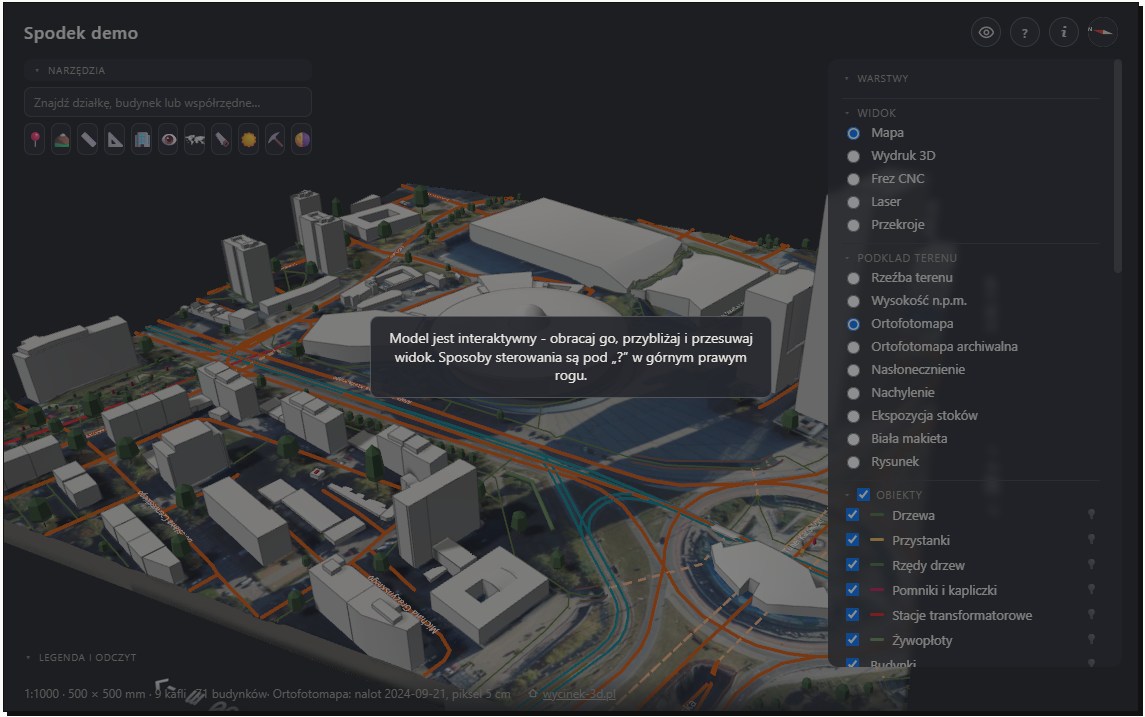
3D graphics involves creating visual representations of objects, spaces and characters in three-dimensional computer space. Unlike 2D graphics on flat surfaces, 3D graphics allow objects to be manipulated in width, height and depth.
Work in 3D graphics covers 3D modelling, creating objects; texturing, adding visual details; lighting; rendering, creating the final image; and animation, adding motion.
2. Which programs are worth learning?
When starting to learn 3D graphics, choosing suitable software helps you understand the basics and develop skills. Here are the most popular 3D graphics programs:
a) Blender
Blender is one of the most popular, versatile 3D graphics programs. Free and open source, it has a huge community providing support and educational materials. Blender handles modelling, texturing, lighting, rendering, animation and special effects. Its interface may initially be difficult, but abundant online tutorials make learning relatively easy. It also supports popular renderers such as Cycles and Eevee.
b) Autodesk Maya
Autodesk Maya is among the most advanced 3D programs and is widely used in film, animation and games. It is ideal for advanced modelling, animation and rigging, preparing characters for animation. It is paid software, and its price can be a barrier for beginners. However, it is worth learning for professional work because it is an industry standard.
c) Autodesk 3ds Max
Autodesk 3ds Max is another popular 3D graphics application, focused mainly on modelling, texturing and rendering. Often used in architecture, interior visualization and game design, 3ds Max is easier to learn than Maya and more accessible to beginners.
d) Cinema 4D
Cinema 4D is particularly valued in motion design and 3D animation. It is excellent for those interested in 3D graphics for media and film production, and visual effects in advertisements or music videos. Cinema 4D's intuitive, accessible interface makes it a good beginner choice.
e) ZBrush
ZBrush specialises in digitally sculpting 3D characters and objects. Used mainly in games and films for detailed characters and environments, it is particularly valued for handling enormous detail and high-resolution surfaces.
3. Popular renderers in 3D graphics
Rendering creates the final image or animation from a three-dimensional model. Choosing a suitable rendering engine is crucial to rendering quality and efficiency.
a) Cycles
Cycles is built into Blender and very popular with 3D artists. It uses ray tracing, simulating how light reflects from surfaces to create realistic lighting effects. It is ideal for photorealistic visualizations.
b) V-Ray
V-Ray is one of the industry's most popular rendering engines. Available for 3D programs including 3ds Max, Maya and SketchUp, V-Ray offers specialised lighting, texture, reflection and shadow options. It is used in architecture, film and games.
c) Arnold
Arnold is particularly popular in film and 3D animation. It is used for high-quality animations and films, such as Pixar productions. Highly efficient, it can render exceptionally high-quality images even in complex scenes.
d) Eevee
Eevee is Blender's speed-optimised rendering engine. Less accurate than Cycles, it quickly renders effects realistic enough for games and real-time visualizations. It is ideal for rapid prototypes and interactive presentations.
4. Types of work for a 3D artist
3D graphics is a broad field with many specialisations. Here are some popular types of work for a 3D artist:
a) 3D modelling
3D modelling creates objects and characters in three-dimensional space. A 3D artist specialising in modelling builds meshes subsequently used in visualizations or animations. 3D modelling can involve characters, objects, scenes and entire environments.
b) Texturing and shading
Texturing applies images to 3D models to create detailed appearances, such as skin, wood or concrete. Shading creates materials controlling how light interacts with surfaces. Texture and shading artists give objects suitable appearance and realism.
c) Rigging and animation
Rigging creates a skeleton for a 3D character to enable animation. Animation creates movement in 3D models, such as characters, vehicles and animals. Specialists must understand anatomy for characters and the physics of movement.
d) Rendering and compositing
Rendering converts a 3D model into a finished image. Compositing combines effects, backgrounds, characters and objects into one coherent image. Rendering artists must understand engines and techniques producing high-quality images.
e) Architectural visualizations
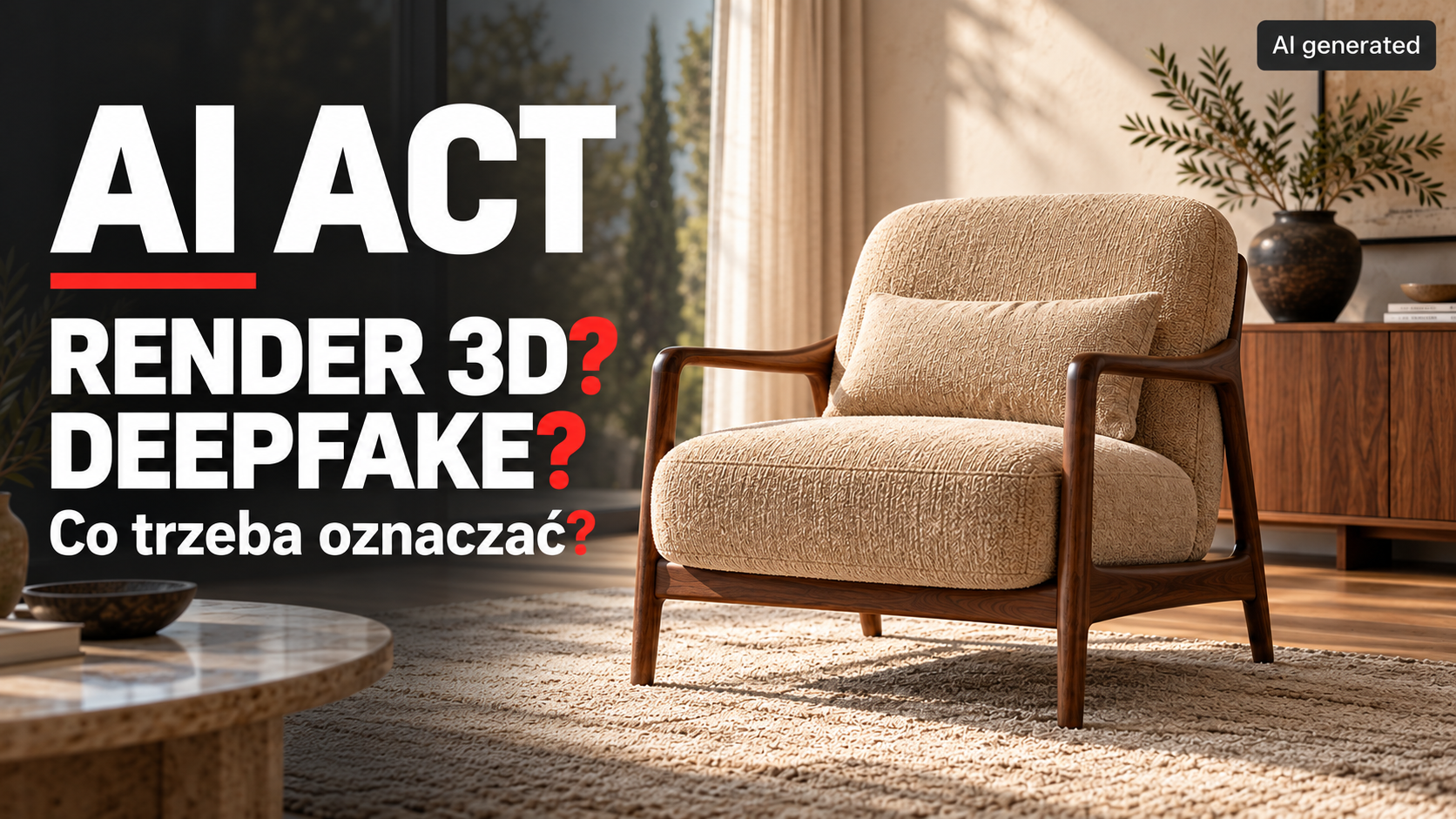
3D visualizations are widely used in architecture for realistic images of buildings, interiors and spaces. Specialists work with architects, interior designers and investors to visualize construction projects. Learn more in our services for visualizations for real estate developers and architects.
5. How do you start learning?
Before choosing a specialisation in 3D graphics, learn the basics. These steps will help you begin:
- Choose suitable software : start with one application, such as Blender, 3ds Max or Maya.
- Gain basic knowledge : use free online tutorials to learn modelling, texturing and rendering basics.
- Create projects : practise with simple object models or basic animations.
- Gain industry experience : to work professionally, start with internships, freelancing or personal projects for your portfolio.
Summary
3D graphics is an exciting career offering many development opportunities. Available software and educational materials allow anyone to learn and develop skills. Whether you want architectural visualizations, game characters or film animations, 3D graphics offers enormous creative possibilities. Also consider joining a professional team such as Pogotowie 3D, which offers a broad range of 3D visualization services across industries 🙂